
The Great Silence: Why Your AirPods Case Might Be Playing Hide-and-Seek with Its Lights
Oh no! You reach for your beloved AirPods case, ready to dive into your favorite podcast or pump-up playlist, and... nothing. Zilch. Nada. Those usually cheerful little lights are completely dark, and a wave of panic washes over you. Your portable sound sanctuary has gone silent! It feels like a mini-catastrophe, right? Like your favorite coffee shop suddenly ran out of caffeine. But don't worry, friend, we've all been there! Nine times out of ten, it’s not the end of the world – or your AirPods! Let's channel our inner tech detective and figure out why your trusty sidekick is playing hard to get.
The Usual Suspects: Let's Play Detective!
Culprit #1: The Naptime Nightmare (Battery Dead)
First up, the most common culprit, the classic ‘I just forgot to charge it’ scenario. Your AirPods case, just like you after a long day, sometimes just needs a good, deep sleep. It’s simply run out of juice! Those amazing little batteries aren’t magical, even if they sometimes feel like it. Think of it like your phone when it suddenly dies right when you're about to show someone that hilarious cat video. You just plug it in, right? Same deal here!
The Fix: Grab that charging cable, find a reliable power source, and plug your case in. Give it a good 15-30 minutes. You should see that comforting charging light flicker to life. If not, don't fret, we have more tricks up our sleeve!
Culprit #2: The Charging Cable Caper
Okay, so you’ve plugged it in, but still nothing? Hold your horses! Sometimes the problem isn’t the case itself, but the journey the power takes to get there.
Is Your Cable Even Trying?
First, double-check that your charging cable is actually snuggly plugged into both the wall adapter (or your computer) AND your AirPods case. We’ve all been there, fumbling in the dark, thinking we’ve hit the light switch only to realize we're swatting at a wall decoration. Make sure it's a firm connection, no wiggles allowed!

A Little Dust Bunny Drama?
Next, take a peek at the charging port on your AirPods case. Is it full of pocket lint, crumbs from that adventurous snack, or a mysterious blob of… who knows what? Our pockets and bags are surprisingly gritty places! A build-up of gunk can act like a tiny, annoying bouncer, blocking the power. A gentle clean with a dry cotton swab or a soft-bristled toothbrush can work wonders. Just be super gentle!
Cable Come Undone?
Finally, consider the charging cable itself. Not all cables are created equal, and even good ones can decide to retire early. If you have another Lightning cable lying around (perhaps one for your iPhone?), try swapping it out. Sometimes a faulty cable or a grumpy power adapter is the real villain. It’s like when you realize the TV isn’t working because the remote batteries are dead, not the TV itself!
Culprit #3: The Hungry Little Guys (AirPods Draining Case)
Imagine you've got two tiny, power-hungry creatures living inside your case. Yep, your AirPods themselves! If they've been lounging in there, having a grand old time while the case battery was low, they might have drained every last drop of power from their humble home. It's like a parent constantly giving snacks to their kids until the pantry is bare!
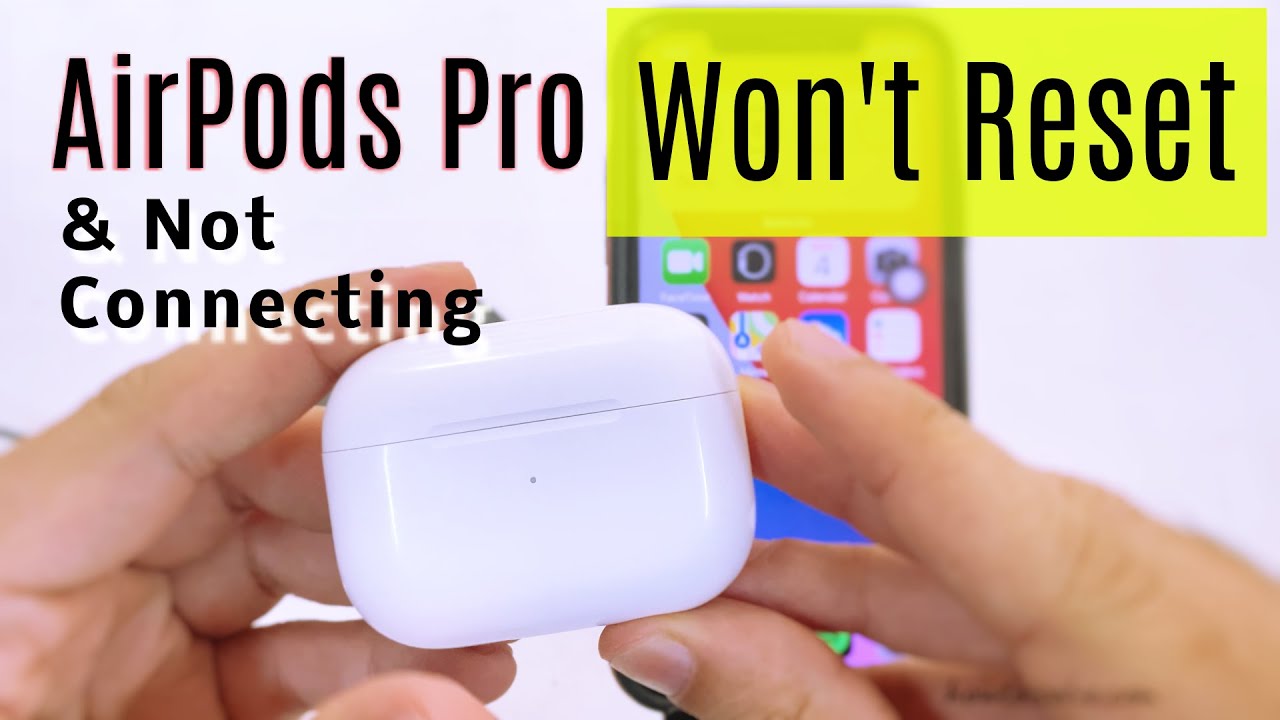
The Fix: So, try this: Take your AirPods out of the case. Just let the case charge by itself for a bit. Sometimes, without the added drain of charging the AirPods too, the case can get enough juice to wake up and show that lovely charging light.
Culprit #4: The Digital Hiccup (Software Glitch)
Technology, bless its digital heart, sometimes just needs a good old-fashioned restart. It's the universal fix for everything from a frozen computer screen to a grumpy router, and your AirPods case is no exception! It might just be experiencing a temporary brain cramp.
"Have you tried turning it off and on again?" - The wisest tech advice ever!
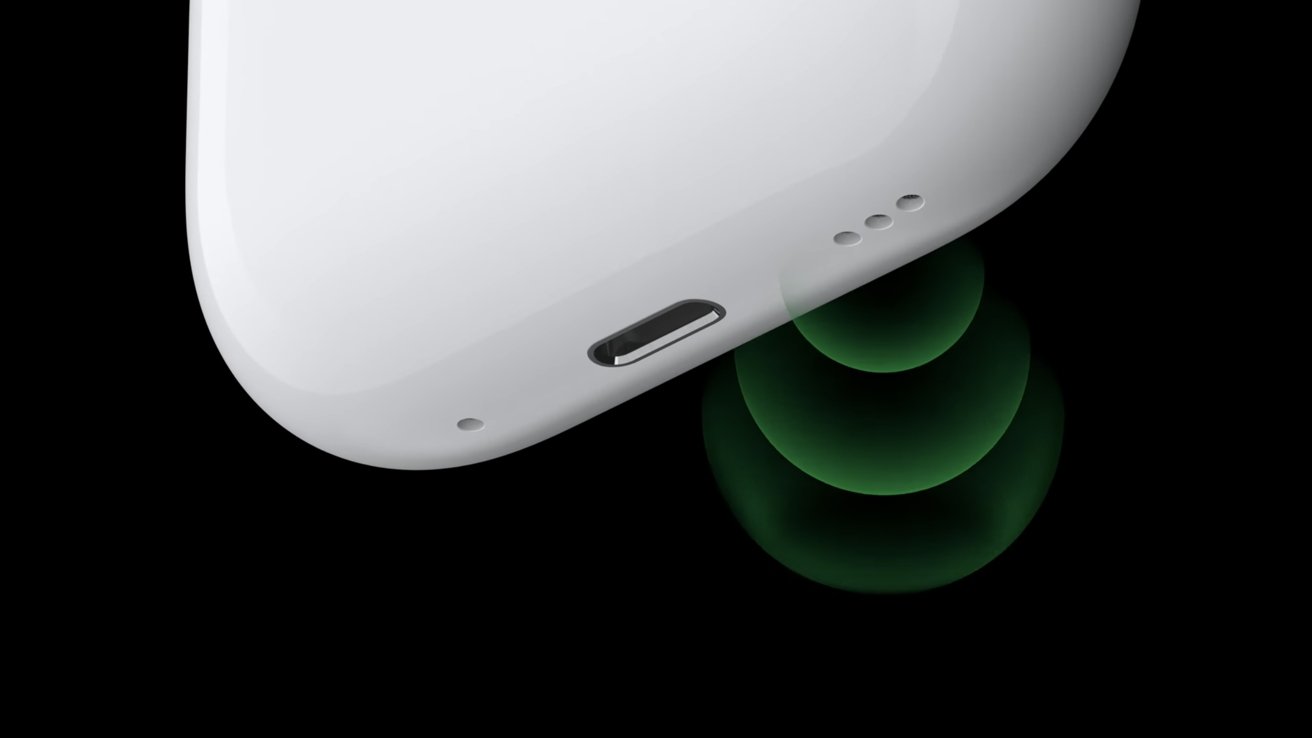
The Fix: Here's how to give your case a gentle nudge: Open the lid of your AirPods case, but keep your AirPods inside. Now, find that small, discreet setup button on the back. Press and hold it down for about 15-20 seconds. You're looking for the status light on the front to flash amber a few times, then white. This usually performs a soft reset, clearing any minor digital cobwebs. Let go of the button, close the lid, and then open it again. Hopefully, those little lights are now beaming brightly!
Culprit #5: Goldilocks Syndrome (Temperature Trouble)
Believe it or not, your AirPods case can be a bit of a Goldilocks when it comes to temperature. It doesn't like things too hot, and it definitely doesn't like them too cold. Leaving your case baking in a hot car on a summer day, or forgotten in a freezing backpack during winter, can make its internal components decide to take a break.
The Fix: If you suspect temperature is the issue, simply move your case to a moderate, comfortable room temperature. Give it some time to adjust – maybe 15-30 minutes – before trying to charge it or wake it up again. It just needs to feel just right!
When All Else Fails: The "Oops, Maybe I Dropped It" Moment
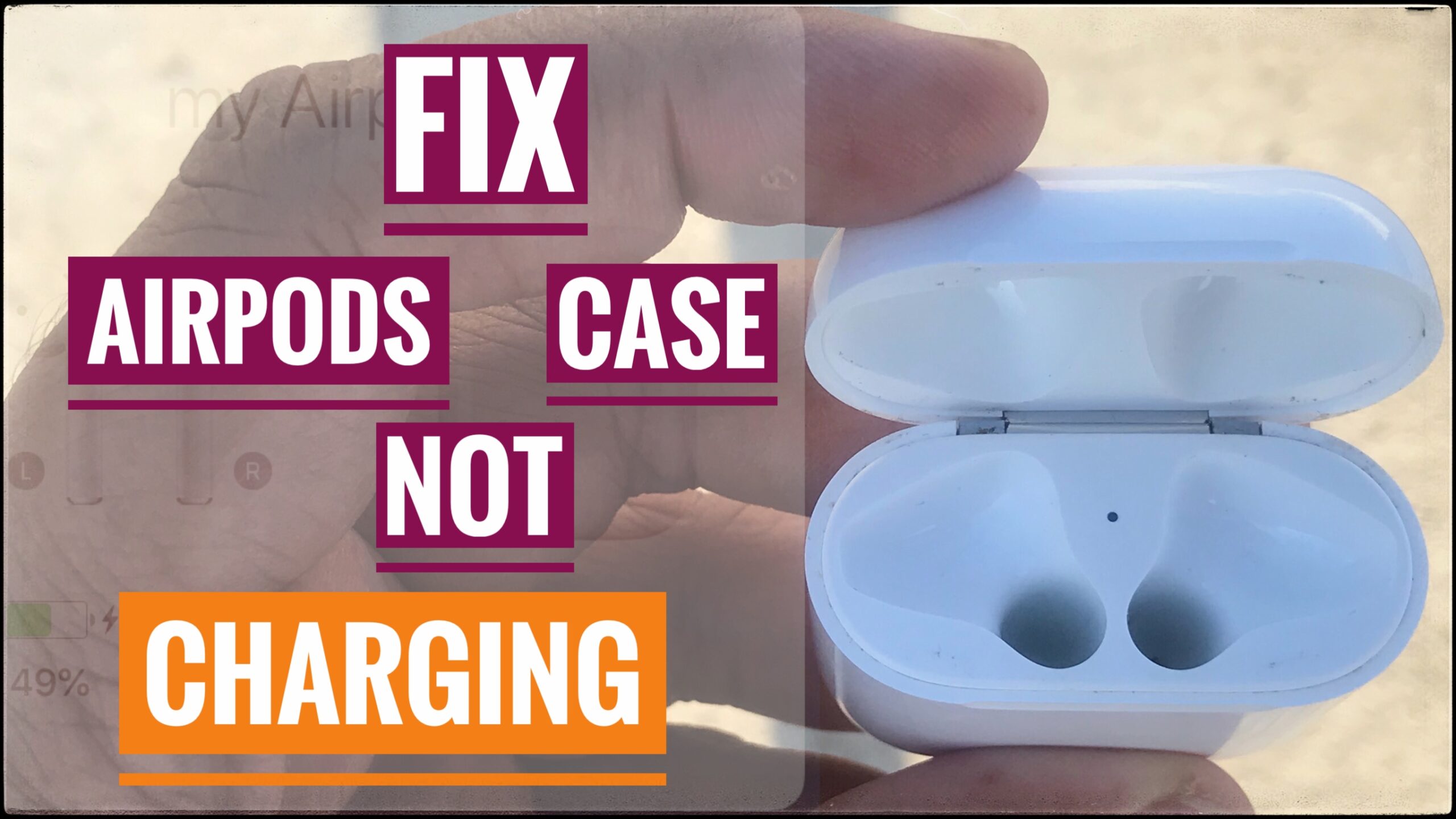
Okay, you've tried all the fun detective work, you've charged, cleaned, reset, and temperature-adjusted, and still... silence. At this point, it’s possible your case might have suffered a bit more than just a temporary tantrum. Maybe it took an accidental tumble, or perhaps a tiny bit of rogue liquid decided to pay a visit.
If none of the troubleshooting steps worked, it might be time to call in the professionals. Your next best step is to visit the Apple Support website or schedule an appointment at an Apple Store. They have fancy diagnostic tools that can pinpoint the exact issue. Don't worry, they've seen it all!
The Happy Ending
Phew! That was quite the adventure, wasn't it? Hopefully, by now, your AirPods case is happily glowing, ready to power up your listening experience once more. Most of the time, these little tech hiccups are easily fixed with a bit of patience and a sprinkle of tech wisdom. So go ahead, cue up that playlist, make that call, or dive back into your audiobook. Your ears are waiting, and your recharged case is ready for action! You've conquered the silent case, and that's a tech victory worth celebrating!