There's a special kind of magic in watching an idea leap from your mind into the real world. That's the enchanting promise of 3D printing! It's not just for engineers anymore; hobbyists, creators, and problem-solvers everywhere are discovering the immense joy of turning digital designs into tangible objects. Whether you're customising a board game, crafting a unique gift, prototyping an invention, or simply repairing a beloved broken household item, 3D printing empowers you to be a maker. It brings a new level of personal customization and rapid innovation right into our homes and workshops, making complex manufacturing accessible and fun.
From whimsical figurines and useful desk organizers to intricate cosplay props and vital medical models, the applications are as boundless as human imagination. Imagine needing a very specific hook for your kitchen utensils, or a replacement part for an antique clock that simply doesn't exist anymore – with 3D printing, you can conjure it into being! But to bring these visions to life, your 3D printer needs to understand what it’s supposed to build. And just like different types of documents (think .doc vs. .pdf), 3D models come in various "languages" – known as file types.
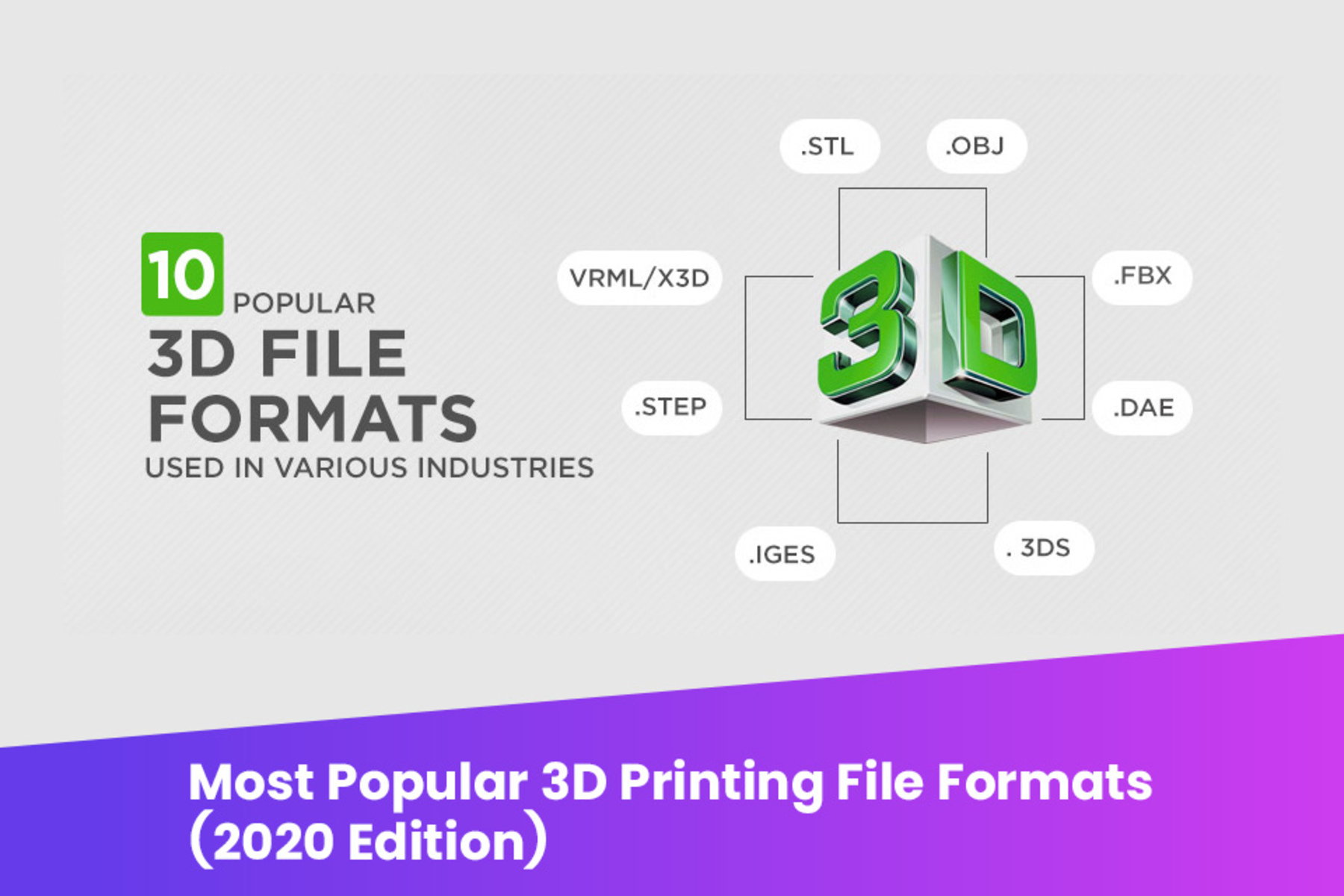
So, what file type should you be using for your fantastical creations? Let's dive into the common contenders, each with its own strengths and quirks.
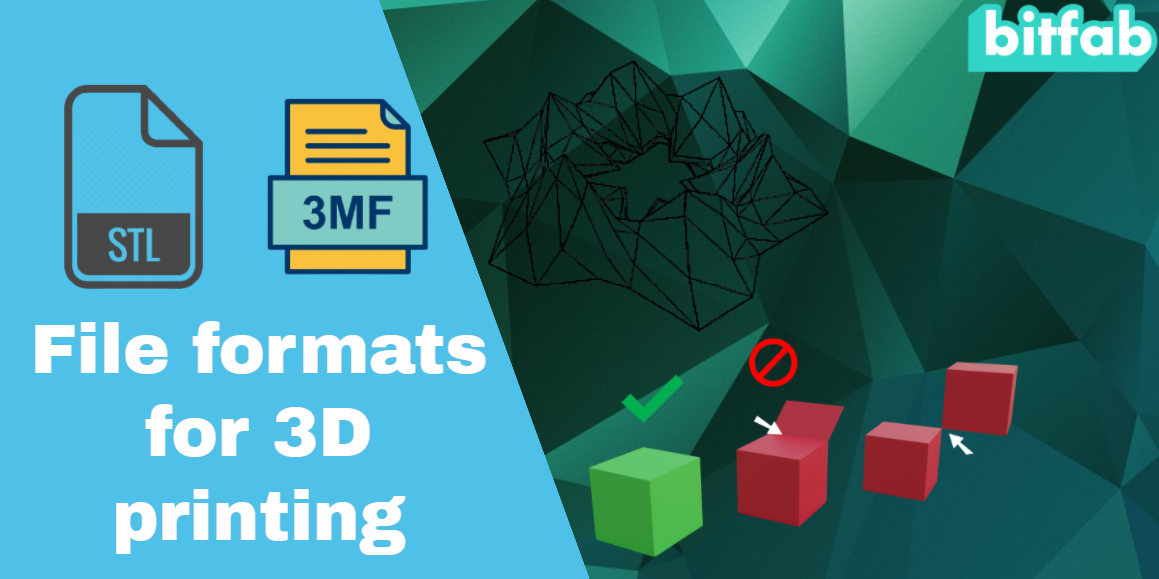
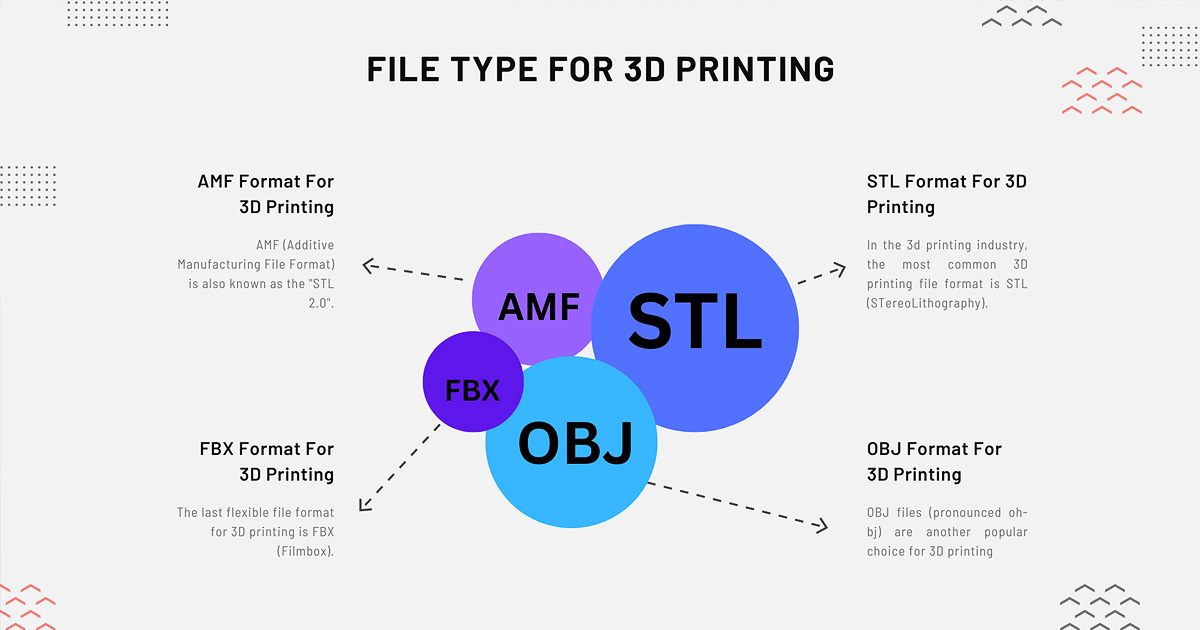
The undisputed king of 3D printing files, and likely the one you'll encounter most often, is STL (.stl). Short for "STereoLithography," this file format is the grandfather of 3D printing. It represents the surface geometry of a 3D object using a mesh of interconnected triangles. Think of it like a simplified wireframe model. Its biggest benefit? Universal compatibility. Almost every 3D printer and slicing software understands STL. However, it's a bit old-school; STL files only store shape information, meaning no color, no texture, and no material properties. For simple, single-color prints, STL is your reliable workhorse.

Next up, we have OBJ (.obj). If you're looking for a bit more flair, OBJ steps in where STL leaves off. While it also uses a polygonal mesh to define geometry, OBJ files can store crucial additional information like color, texture, and material properties. This makes it a popular choice for artists and designers working with complex models that demand visual richness. Often, an OBJ file will come with an accompanying .mtl (material) file to define these extra visual details. It's a great option when you want your digital model's aesthetics to transfer more accurately to a full-color 3D printer, or for rendering realistic images.
Finally, meet the new kid on the block, designed to be the future of 3D printing: 3MF (.3mf). Standing for "3D Manufacturing Format," 3MF addresses many of the limitations of older formats. Imagine packing all your model data – geometry, color, textures, materials, and even print-specific settings – into a single, efficient file. That's 3MF! It's less prone to errors than STL and more comprehensive than OBJ, offering a "richer information" package in a smaller file size. While not yet as universally adopted as STL, it's gaining rapid traction and is the format to watch for complex, multi-material, and full-color prints.

Now for some practical tips to make your 3D printing journey smoother. When starting out, don't overthink it: STL is perfectly fine for 90% of hobbyist prints. Most free model repositories like Thingiverse or Printables primarily offer STL files. When you download a model, you'll feed it into a "slicing software" (like Cura or PrusaSlicer). This software then converts your chosen file type (STL, OBJ, or 3MF) into G-code (.gcode), which is the precise set of instructions your 3D printer understands, telling it exactly where to move and when to extrude plastic. Always ensure your slicing software is up to date, as newer versions often include better support for emerging file types like 3MF.
In essence, start with STL for simplicity and broad compatibility. Explore OBJ when color and texture become important to your design. And keep an eye on 3MF as it matures into the comprehensive, single-file solution for the future of 3D manufacturing. Happy printing, and may your creations always be perfectly rendered!