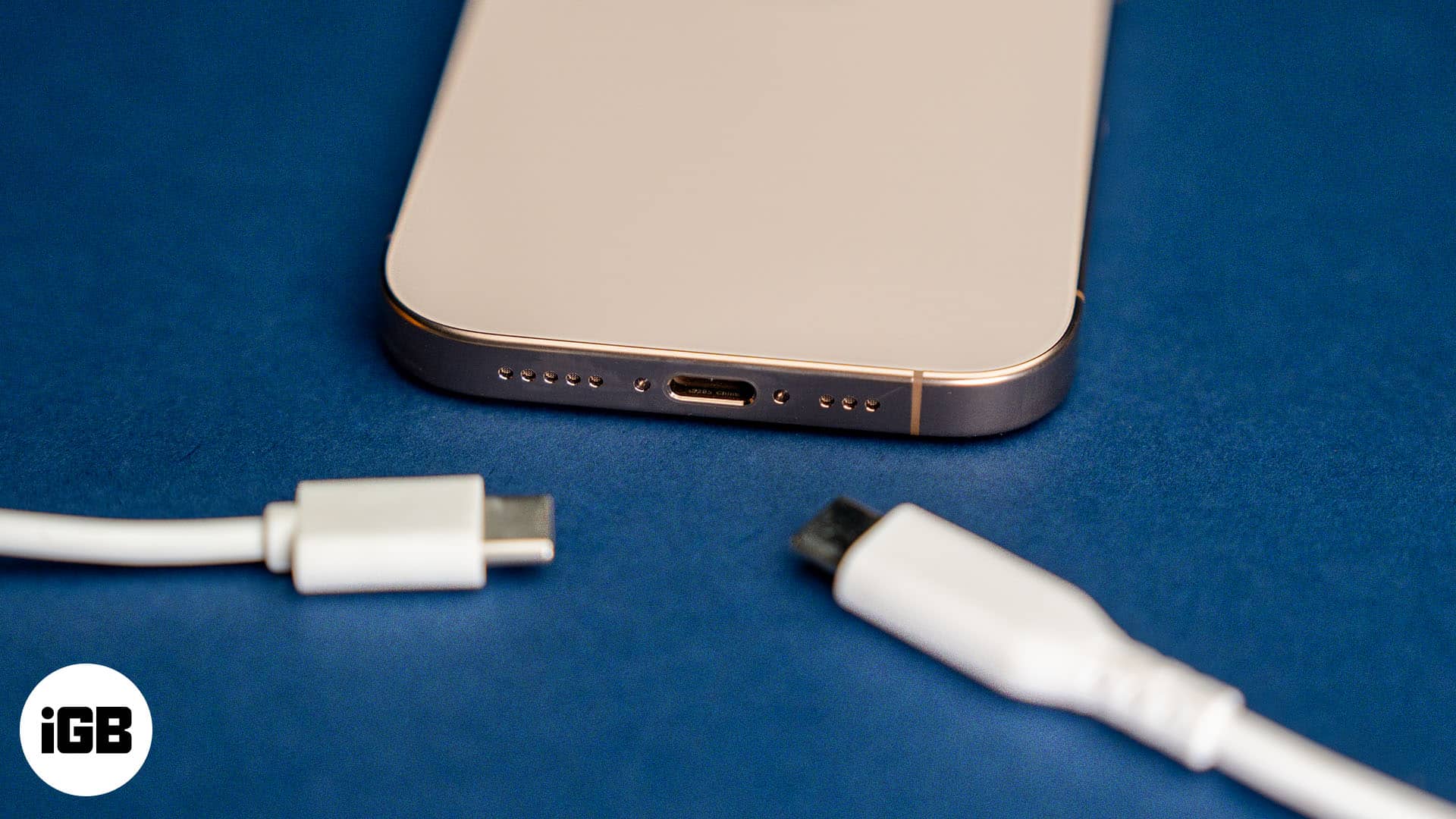
Ever found yourself staring at a drawer full of cables and adapters, wondering which one will bring your beloved iPhone 8 back to life? You're definitely not alone! In a world where phone chargers seem to evolve faster than our social media feeds, figuring out the right one for your specific device can feel like a mini-mystery. But don't worry, it's actually a pretty fun and incredibly useful piece of knowledge that saves you time, money, and a whole lot of head-scratching. Understanding your iPhone 8's charging needs means no more guessing games, just a simple path to a fully powered device.
This little bit of tech know-how is beneficial for practically everyone. For beginners, it’s a fantastic first step into understanding basic phone maintenance and avoiding common pitfalls like using the wrong charger. You'll learn what makes your phone tick and how to keep it safe. For families, imagine the peace! No more fighting over chargers or guessing which cable belongs to which iPhone. You can easily identify the right accessories for older models that might be hand-me-downs, ensuring everyone's device stays charged without confusion. Even for the casual tech enthusiast or someone who just loves being organized, knowing the specifics of your iPhone 8's charging capabilities allows you to pick out the perfect accessories, perhaps even upgrading to faster charging options for a more efficient routine.
So, what's the lowdown? Your iPhone 8, like many iPhones before and after it (up to the iPhone 14), uses a Lightning port. This is the distinct, small, reversible port at the bottom of your phone. When the iPhone 8 was first released, it came with a tiny 5W USB-A power adapter and a USB-A to Lightning cable. This combination works perfectly well for standard charging. However, here's where it gets interesting: the iPhone 8 also supports fast charging! To take advantage of this, you'll need a different setup: a USB-C Power Delivery (PD) adapter (think 18W or higher, like those used for newer iPhones or iPads) and a USB-C to Lightning cable. Using this combo can get your battery up to 50% in about 30 minutes, which is a real game-changer when you're in a hurry. You might also encounter 12W USB-A adapters, often sold with iPads, which offer a speed boost over the basic 5W adapter using the standard USB-A to Lightning cable.
Ready to charge smart? Here are some simple, practical tips. First, always confirm your phone has a Lightning port – a quick glance at the bottom will tell you. Second, if you’re looking for faster charging, invest in a USB-C to Lightning cable and a compatible USB-C power adapter (18W or higher). You'll notice the difference! Third, when buying third-party accessories, look for the "MFi" (Made for iPhone) certification. This means the product meets Apple's performance standards and is safer for your device. Lastly, don't be afraid to keep a spare! Having an extra charger at work, in your car, or tucked away for emergencies can be a real lifesaver. It’s better to be prepared than to be stuck with a dead battery.
Understanding what charger your iPhone 8 uses is more than just a technical detail; it's about empowerment. It's the satisfaction of knowing you've got the right tool for the job, keeping your device running smoothly, and enjoying the convenience of efficient charging. So go ahead, plug in with confidence, and enjoy the simple pleasure of a perfectly charged phone!