Okay, picture this: I was standing in line at the coffee shop, phone in hand, just about to pull up my loyalty card. The barista was already giving me that expectant "next!" look. My thumb hovered over the app icon, a tiny digital beacon of caffeine-fueled hope. And then… nothing. Just a blank, black rectangle. No Apple logo. No spinning wheel. Just… the void.
I tapped. I jabbed. I mumbled a few choice words under my breath, earning me a concerned glance from the guy behind me who was probably wondering if I was having an existential crisis over a latte. But no, it was far worse. My iPhone, my trusty sidekick, my digital brain, had gone dark. Completely, utterly, inexplicably off. And it wasn't coming back on. Sound familiar? Yeah, I thought so. It's like a rite of passage for us iPhone users, isn't it?
The Sudden Silence: What Just Happened?!
That moment of pure, unadulterated panic when your phone suddenly becomes a very expensive paperweight? It’s real. One minute you’re scrolling through TikTok or trying to remember if you sent that email, the next it’s just… gone. No warning, no dimming screen, no "low battery" popup. Just a swift, silent departure from the digital world. And the worst part? It simply won't turn on. You press the power button, you hold it, you plead with it. Nothing.
Your mind races, right? Is the battery truly dead? Did I drop it without noticing? Is this a secret plot by Apple to make me buy the new model? (Spoiler: probably not, but the thought definitely crosses your mind, doesn't it?).
First Aid for Your Fallen Friend
Before you start prepping for a digital funeral, let's try some basic resuscitation. This is where your inner tech detective comes out. You know, the one that always says, "Have you tried turning it off and on again?" Well, since it's already off, our mission is to get it back on.

First up, the classic force restart. This isn't just turning it off and on; it's like a hard reset, often shaking loose minor software glitches. The method varies depending on your iPhone model (because, why make it simple, right?).
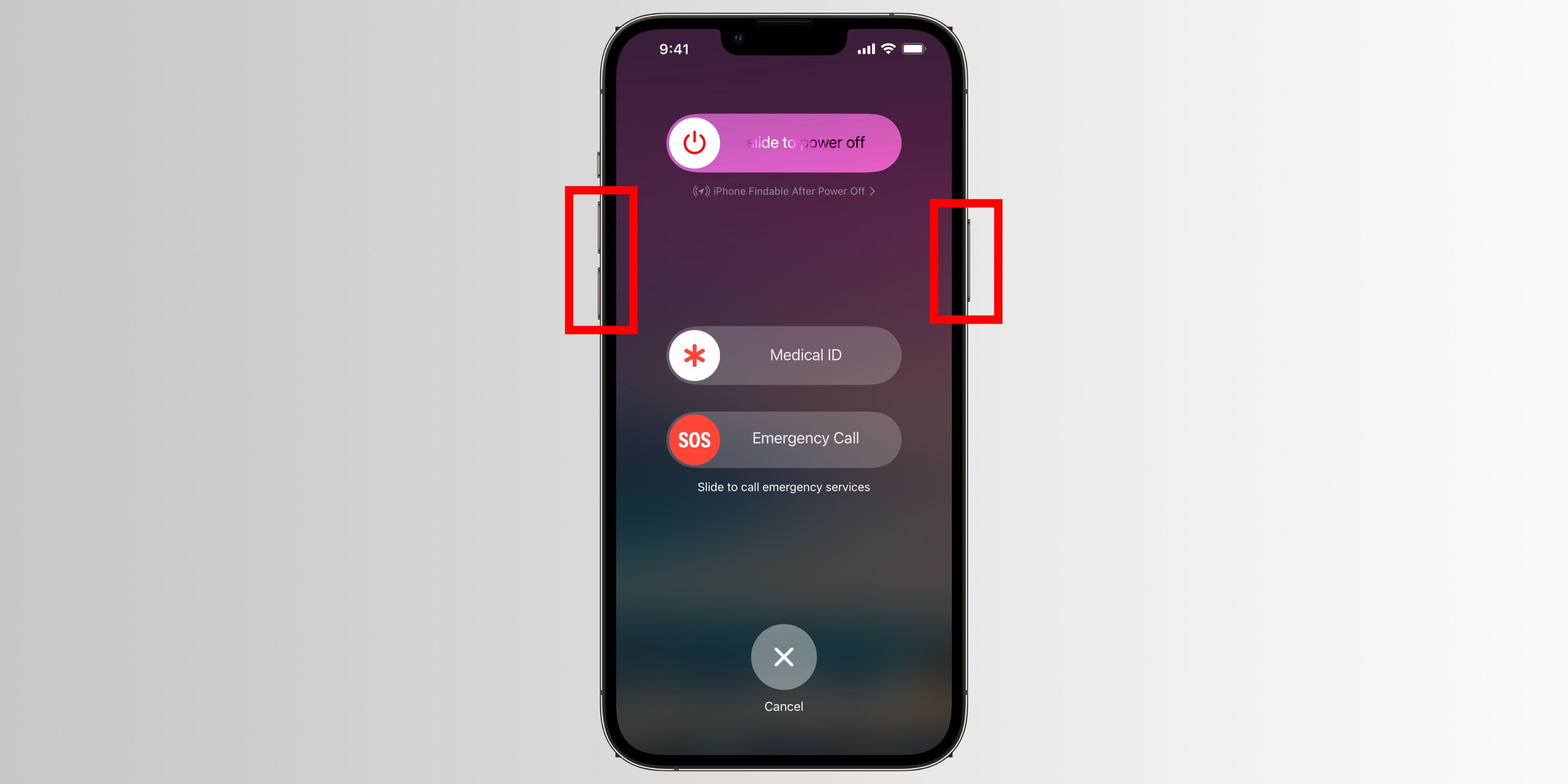
- For iPhone 8 or later (including X, 11, 12, 13, 14, 15): Quickly press and release the Volume Up button, then quickly press and release the Volume Down button, then press and hold the Side button until you see the Apple logo.
- For iPhone 7/7 Plus: Press and hold both the Volume Down button and the Sleep/Wake button simultaneously until the Apple logo appears.
- For iPhone 6s or earlier: Press and hold both the Home button and the Sleep/Wake button simultaneously until the Apple logo appears.
Give it a good 20-30 seconds of holding that final button. Sometimes it takes a moment. If that iconic Apple logo pops up, breathe a sigh of relief. You're probably good.
Still nothing? Okay, next step: charging. I know, I know, "It can't be just the battery!" But honestly, sometimes it is. Plug your iPhone into a reliable charger and a wall outlet. Not your laptop, not a cheap car charger. A proper wall brick. Leave it for at least 30 minutes, an hour even. Sometimes, if the battery is critically drained, it needs a bit of time to gather enough juice to even show the charging screen.

While it's charging, check the cable and adapter. Are they in good condition? No frayed wires? Try a different cable or adapter if you have one. It’s amazing how often a faulty cable is the silent culprit behind a "dead" phone.
Why, Oh Why, Do iPhones Do This?
So, why do our perfectly good iPhones just decide to ghost us? There are a few usual suspects:

- Software Glitches: A rogue app, a failed update, or just a random software hiccup can sometimes cause your phone to freeze and refuse to wake up. A force restart usually sorts these out.
- Battery Issues: If your battery is old or has suddenly degraded, it might just give up the ghost unexpectedly, especially in extreme temperatures. A sudden, complete shutdown can sometimes indicate a failing battery that needs replacing.
- Hardware Failure: Less common, but possible. A tiny component could have failed, or there might have been some unnoticed impact or water exposure. This usually requires professional help.
- Extreme Temperatures: iPhones are a bit Goldilocks when it comes to temperature – not too hot, not too cold. Leaving your phone in a scorching car or a freezing environment can cause it to shut down to protect its internal components.
When to Call in the Big Guns (or Apple Support)
If you've tried all the above — force restarting multiple times, charging for ages with different cables and adapters — and your iPhone is still a brick, it might be time to bring in the professionals. This is when you contact Apple Support, or head to your nearest Apple Store or authorized repair shop.
They have diagnostic tools that can delve deeper into what's going on. It could be a battery replacement, a more serious hardware fix, or even, in rare cases, a DFU (Device Firmware Update) restore, which is a bit like wiping your phone and reinstalling its operating system from scratch (and something you should absolutely let the experts handle).
The moral of the story, folks? Back up your iPhone regularly! Seriously. Because when your phone decides to go on an unannounced vacation, the last thing you want is to lose all your precious photos, messages, and memories. A little cloud storage goes a long way in preventing future headaches. So next time your iPhone gives you the silent treatment, remember, you're not alone. And there's usually a way to bring it back from the digital brink!