Okay, let's talk about that little anxiety-inducing rectangle we all carry: our smartphone. Specifically, its battery. You know the drill? You wake up, unplug it, and by 3 PM, it's screaming for juice, threatening to go dark during your lunch break. It’s like having a tiny, demanding roommate who constantly needs to be fed power.
But what if I told you there's a super simple, almost ridiculously easy trick to make that battery last way longer, not just through the day, but over the entire lifespan of your phone? We’re talking about giving your phone’s battery a happier life. The secret? Limiting its charge to about 80%.
Why 80%? It's About Battery Zen!
Alright, so why not 100%? Isn't full always better? Not for lithium-ion batteries, my friend. Imagine your phone’s battery as an enthusiastic athlete. Charging it from, say, 20% up to 80%? That's a nice, steady jog. Comfortable, efficient, doing its thing.
But pushing it from 80% to 100%? That’s like asking that athlete to suddenly sprint a marathon, then hold a handstand for an hour. It’s a lot of stress. The last 20% of charging forces the battery to work extra hard, pushing electricity into already crowded spaces. It generates more heat and strains the internal chemistry. It’s like trying to stuff that last stubborn sock into an already overflowing drawer – it just ain’t happy!
Repeatedly pushing to 100% wears down those chemical components, making your battery hold less charge over time. Ever notice how your old phone, even fully charged, just doesn’t last like it used to? Yup, that’s why. By keeping it mostly between 20% and 80%, you're giving it a much more relaxed, zen-like existence.
How to Become the "80% Charger Police"
Good question! Modern phones are pretty smart about this, so you might not have to do much at all.
The Smarty-Pants Way: Built-in Features
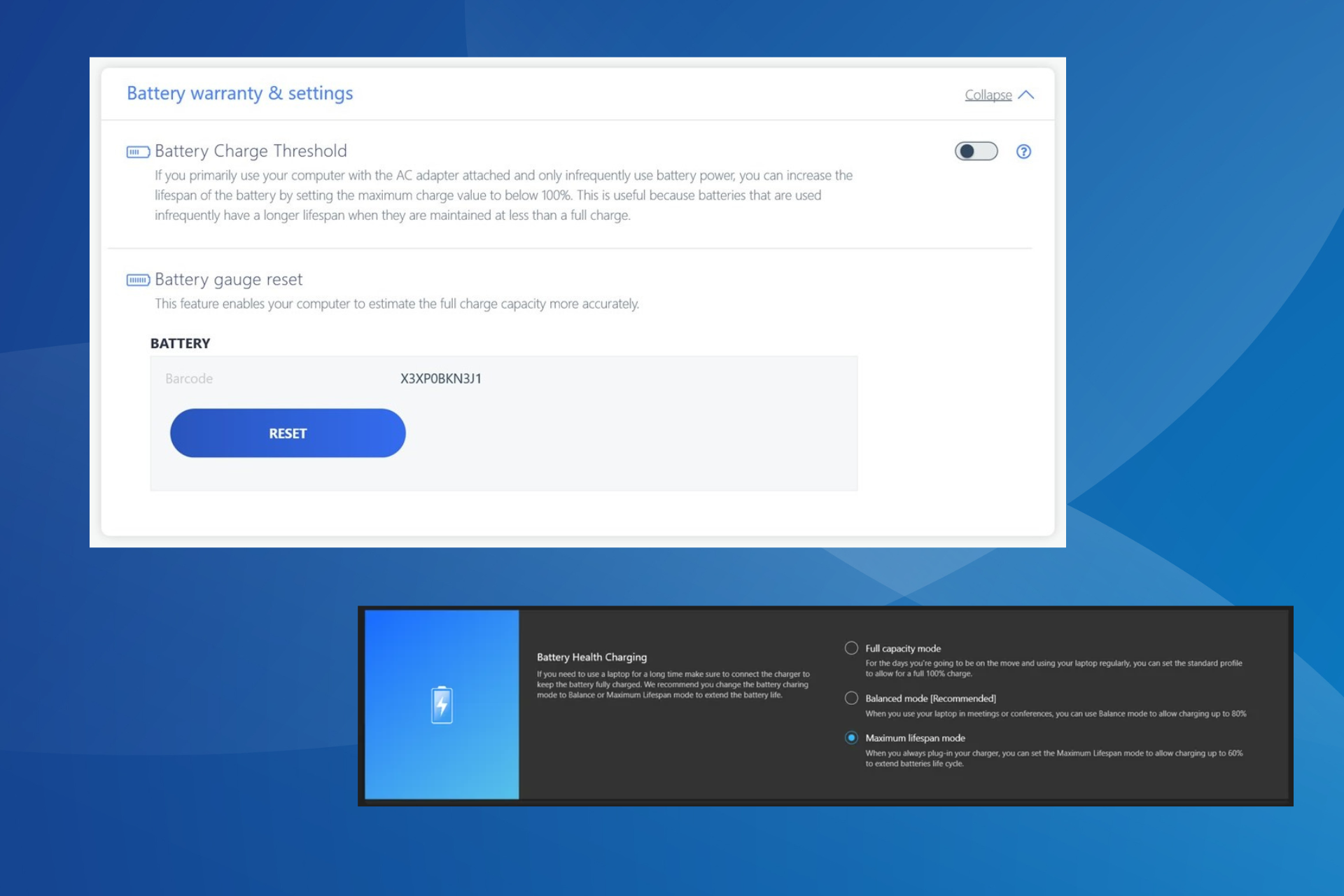
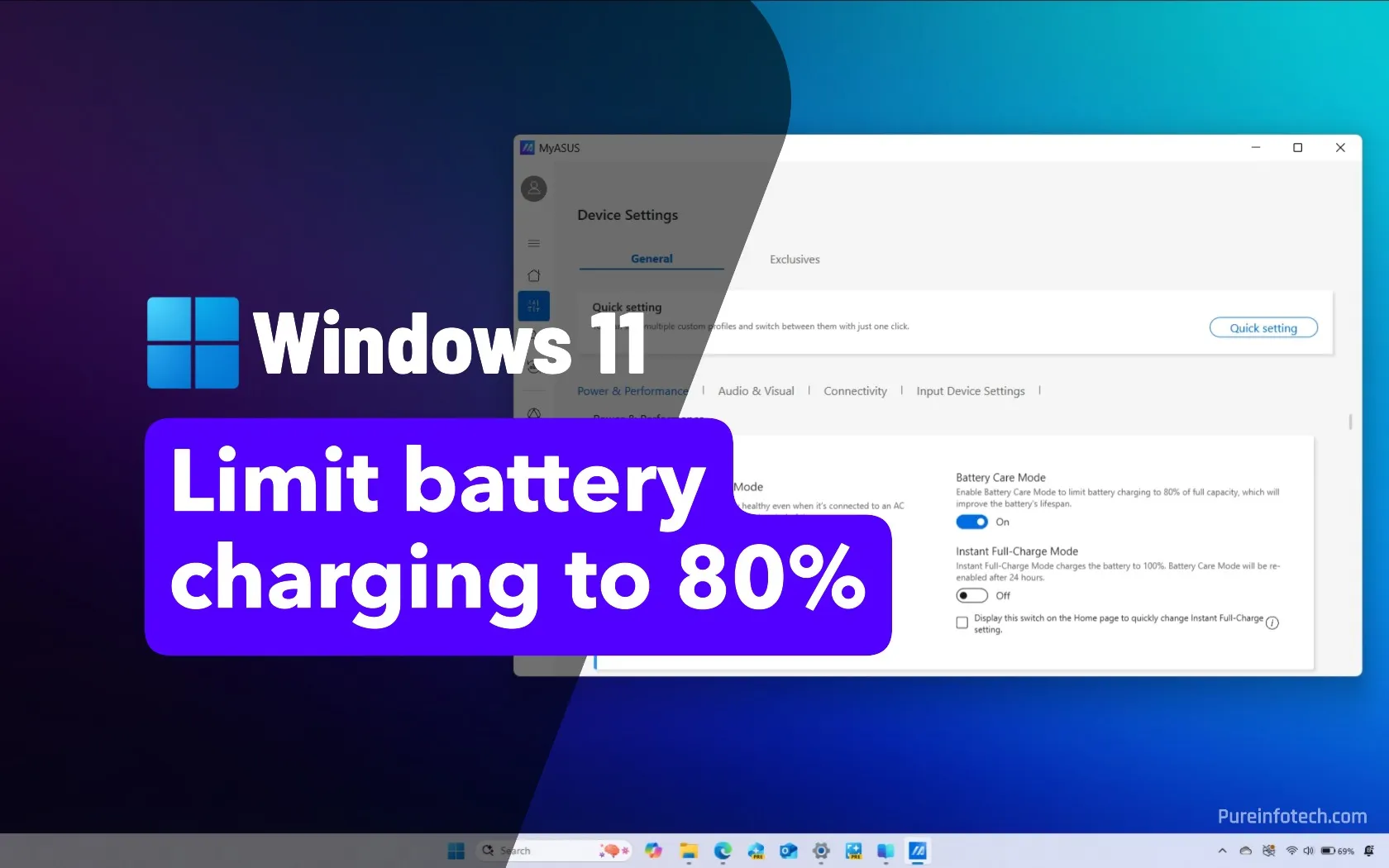
If you're rocking a newer iPhone (iOS 13+), you're in luck. Apple has Optimized Battery Charging. Go to Settings > Battery > Battery Health & Charging. Toggle it on! Your phone learns your routine and holds the charge at 80% until just before you usually wake up.

Android users, you’re not left out! Many phones have similar features, often called Adaptive Charging, Smart Charging, or Battery Protection. Samsung, Google Pixel, OnePlus, and others have their versions. Dive into your phone's battery settings – you might find it under Battery > More battery settings or similar. Turn it on, and let your phone do the heavy lifting of being smart.
The Old-School, Manual Way (Still Easy!)
If your phone lacks these fancy features, or you just prefer to be in charge (pun intended!), it's still super easy. The simplest method? Use a timer. Or, you know, your brain! Plug in your phone, keep an eye on it, and unplug it when it hits around 80%. You could even set a quick alarm for 30-60 minutes. It sounds like a chore, but trust me, it quickly becomes a habit, like remembering your keys.
The Payoff: Less Anxiety, Longer Life
So, what do you get for being such a responsible phone parent? A phone that feels like it lasts longer throughout your day (no more stressing that last 20% every night) and maintains its overall battery capacity for many more months or even years. Fewer moments of panic, and your phone won't feel ancient after a year and a half.
It’s like getting an extended warranty on your phone's most vital organ, without paying for one. You’re prolonging its vibrant youth, keeping it zippy and responsive. A phone that keeps up with us, instead of us constantly chasing an outlet!
Give it a try. Limit your phone's charge to 80%. Your battery, your peace of mind, and your future self scrolling through endless TikToks will thank you. You might just find yourself smiling, knowing your little tech companion is happier and healthier, ready for whatever meme-filled adventure awaits.