Alright, buckle up, future digital alchemists and creators of cool stuff! Have you ever dreamt of plucking an object right out of your screen and holding it in your hands? Well, guess what? With a 3D printer, that's not some futuristic fantasy, it's everyday magic! And the first step to becoming a reality-bending wizard? Learning how to snag those awesome 3D print files from the internet. It's like finding a secret recipe for a cake, but instead of cake, it's a tiny T-Rex or a super handy gadget for your home!
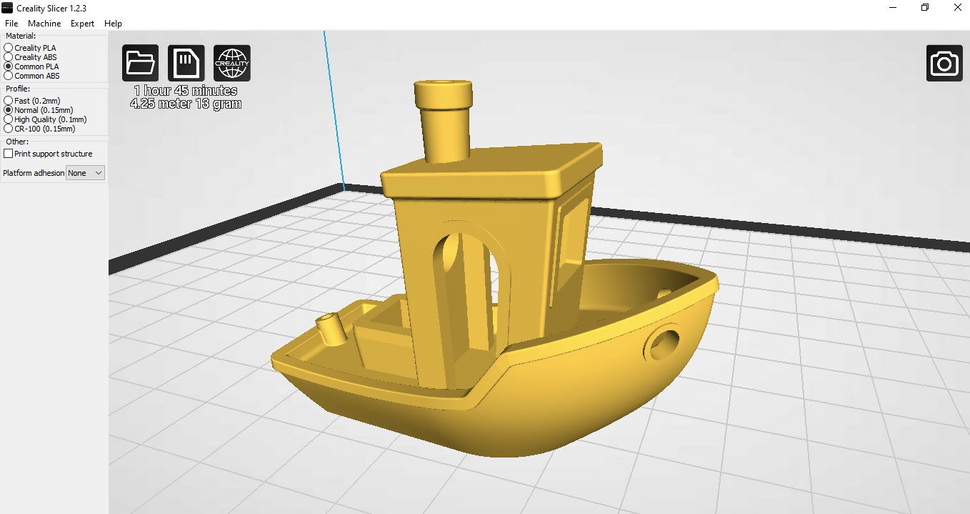
Think of 3D print files as the ultimate digital blueprints. They tell your 3D printer exactly where to put every tiny drop of plastic, layer by glorious layer, until your chosen creation pops into existence. The most common type of file you'll encounter is called an STL file (or sometimes 3MF), but honestly, you don't need to sweat the techy names. Just know these are the magic scrolls you're looking for!
Where Do These Digital Treasures Live?
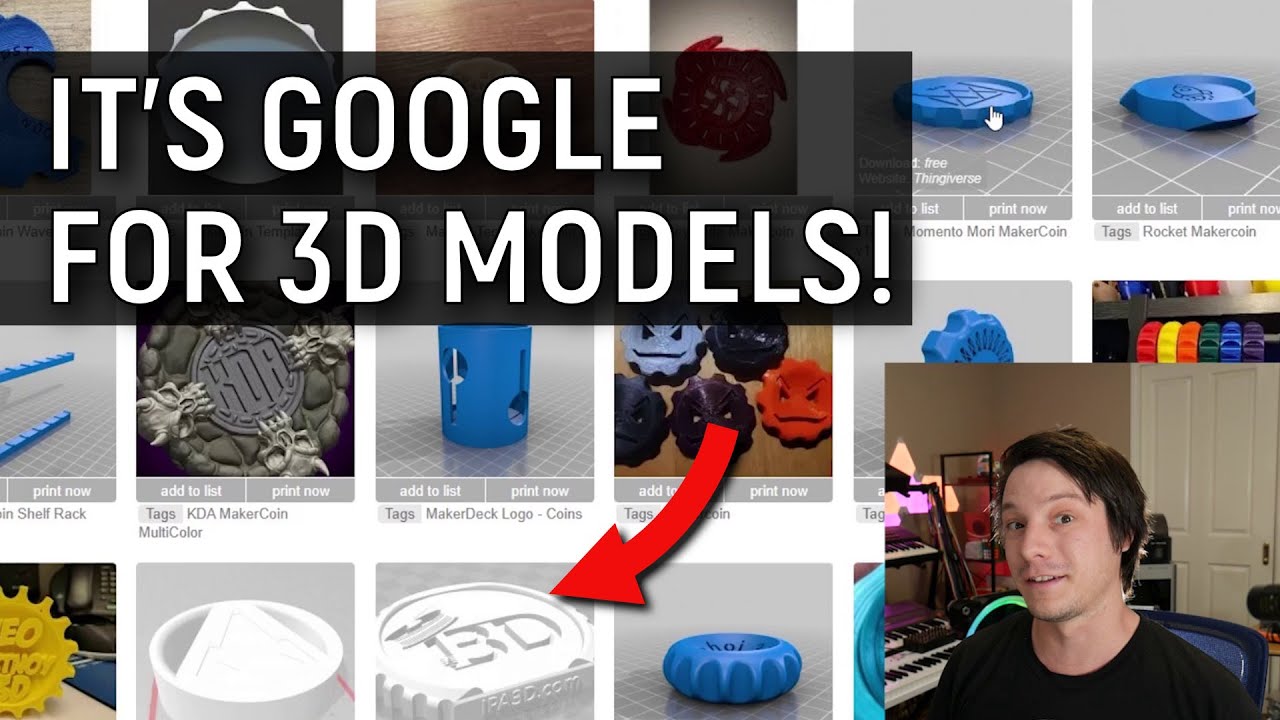
The internet is absolutely bursting with places where generous folks share their incredible 3D designs. It's like a giant, ever-expanding toy chest, and you've got the key! Here are some of the absolute best playgrounds:
Thingiverse – The Grand Central Station of 3D Printing!
This is probably the biggest, most famous, and often the first stop for many. Imagine a bustling bazaar where everyone is showing off their latest, greatest inventions, from phone stands shaped like adorable cats to intricate board game organizers. Thingiverse is a treasure trove, and it's mostly free! You can spend hours just browsing the sheer variety of awesome things people have designed.
Printables – The Maker's New Best Friend!
Launched by the amazing folks who make Prusa 3D printers, Printables has quickly become a beloved hub. It's known for its fantastic community, often higher-quality models, and even fun contests. If you're looking for reliability and designs that are likely to print beautifully, this is a fantastic spot. It feels like a well-organized, friendly neighborhood hardware store, but for digital goods!
MyMiniFactory – Curated Coolness!
If Thingiverse is a giant flea market, then MyMiniFactory is a boutique gallery. They focus on curating high-quality, often more artistic or intricate designs. Many files here are free, but they also have a fantastic section for paid designs from professional designers. It's where you go when you want something truly special and perhaps a bit more polished, like finding that perfect, unique gift in a fancy shop.
Cults3D – A Universe of Unique Finds!
This site offers a mix of free and premium (paid) designs, often featuring really creative, quirky, and sometimes niche items. From detailed figurines to clever mechanical gadgets, Cults3D is like wandering through an eclectic online art fair. You might just stumble upon the exact weird and wonderful thing you never knew you needed!
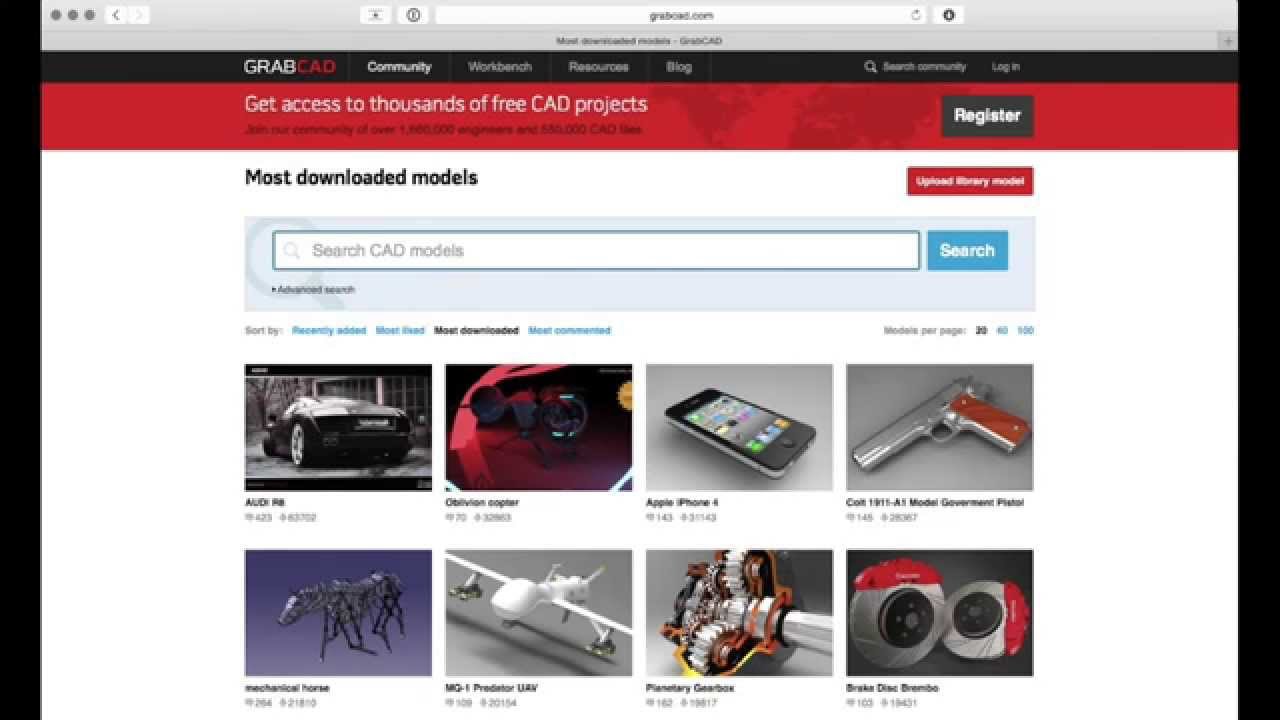
Pro Tip: You can also just type "free 3D print files [what you want to print]" into your favorite search engine. You'll be amazed at what pops up!
The Big Download Button!
So, you've found the perfect design – maybe it's a tiny succulent planter shaped like a dragon, or a clip to organize your charging cables. Now what? It's ridiculously simple!
- Navigate to the Design Page: Click on the picture or name of the design you like on any of these websites. This will take you to its dedicated page.
- Spot the "Download" Button: This is your golden ticket! Look for a big, obvious button that usually says something like "Download Files", "Download All Files", or simply "Download". Sometimes it's green, sometimes blue, but it always shouts, "Click me for digital goodies!"
- Click It! Seriously, that's it! Your computer will then usually ask you where you want to save the file, or it might just automatically save it to your "Downloads" folder. This is like your computer's secret hideaway for all the cool stuff you grab from the internet.
- Unzip if Necessary: Sometimes, especially if a design has multiple parts or different versions, the files will come bundled in a ZIP file. Don't panic! This is just like a digital suitcase. To open it, just right-click on the ZIP file and choose "Extract All" (on Windows) or simply double-click it (on Mac). Poof! All the individual STL files will appear.
And just like that, you've got the digital blueprint in your hot little hands! Congratulations, you're officially a file-downloading maestro!
What Happens Next? (A Quick Peek)
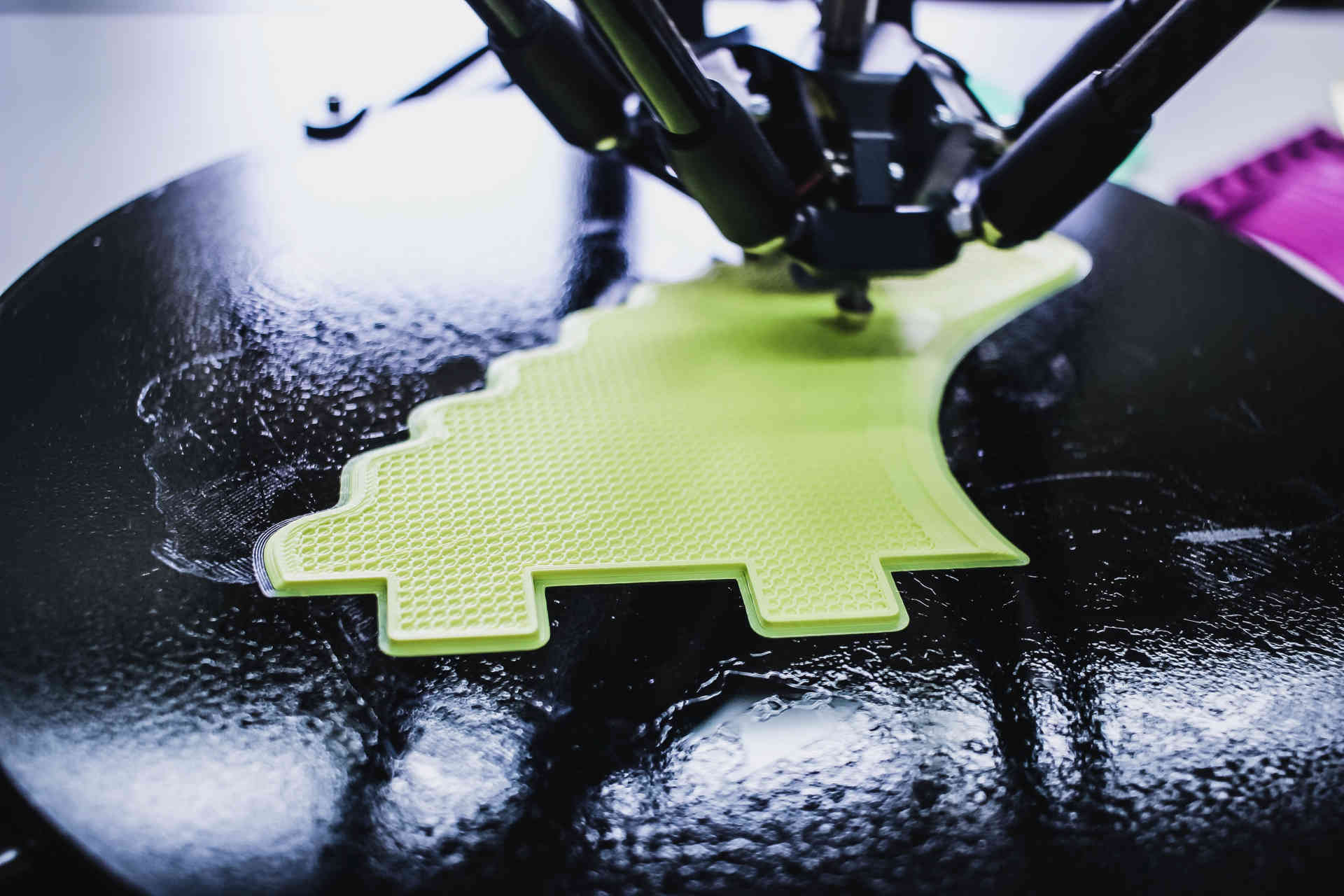
Once downloaded, these files are usually opened in a special program called a slicer (like Cura or PrusaSlicer). This program takes your blueprint and cuts it into super-thin layers, creating instructions your 3D printer can understand. It's like translating your recipe into step-by-step instructions for the oven! Then, you send those instructions to your printer, hit print, and watch the magic unfold.
See? It's not rocket science; it's just digital treasure hunting! The world of 3D printing is incredibly accessible and ridiculously fun. Don't be shy, dive in, download some files, and get ready to bring your digital dreams into the real world. Happy printing, you magnificent maker!