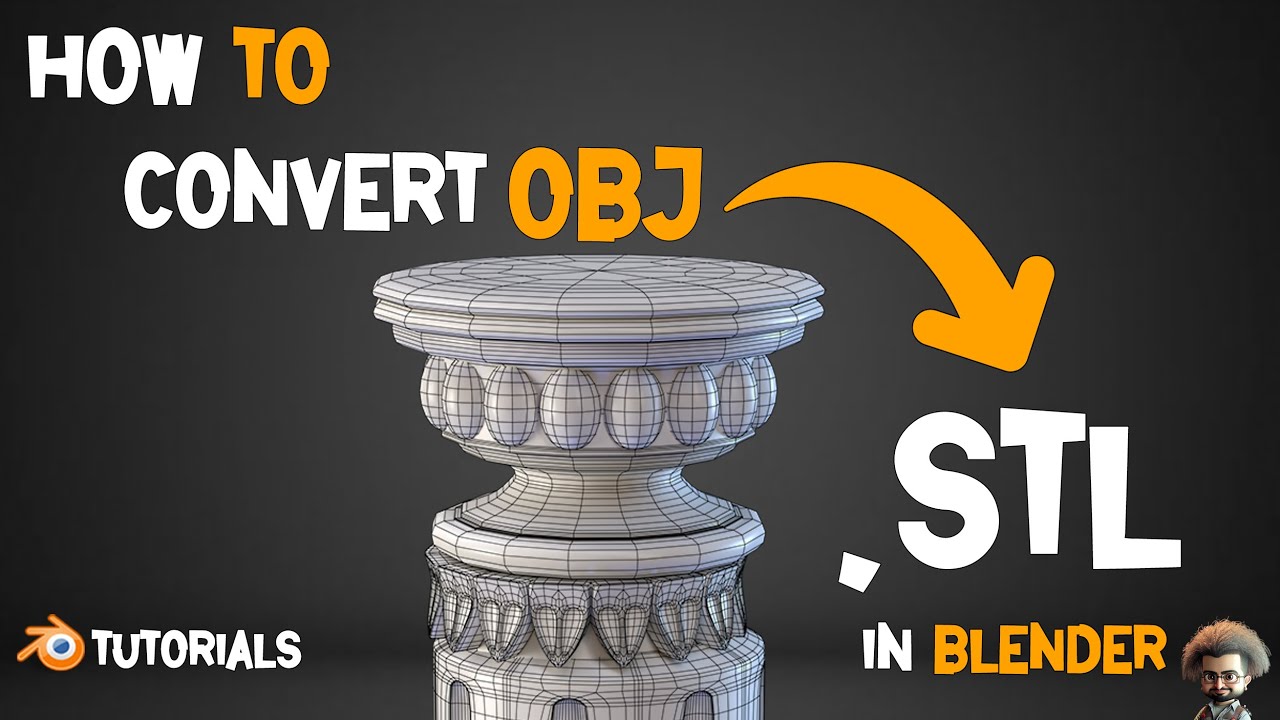
Hey there, digital adventurer! Ever gazed at a cool 3D model on your screen – maybe a fierce dragon, an intricate architectural design, or even your own goofy character creation – and thought, "Man, I wish I could hold that in my hands?" Well, guess what? You absolutely can! Welcome to the thrilling world where pixels become reality, where digital dreams get a physical form thanks to the magic of 3D printing.
But before you can print that dragon, there's often a little conversion dance to perform. And today, we're going to demystify one of the most common steps: how to convert an OBJ file to an STL file. Get ready to turn your digital wonders into tangible treasures!
What's an OBJ Anyway? The Colorful Storyteller!
So, what's an OBJ file? Think of it as the prima donna of 3D model formats. An OBJ (short for Wavefront OBJ, if you're curious) is fantastic for capturing all the beautiful details of your digital creation. It's not just about the shape; it often carries information about colors, textures, and even material properties. Imagine a digital sculpture that also tells you what kind of paint to use on it – that's an OBJ!
It’s expressive, it’s vibrant, and it's perfect for rendering stunning images or animations. It's the file you use when you want to show off your model's true artistic glory on a screen.
And What's an STL? The Pragmatic Builder!
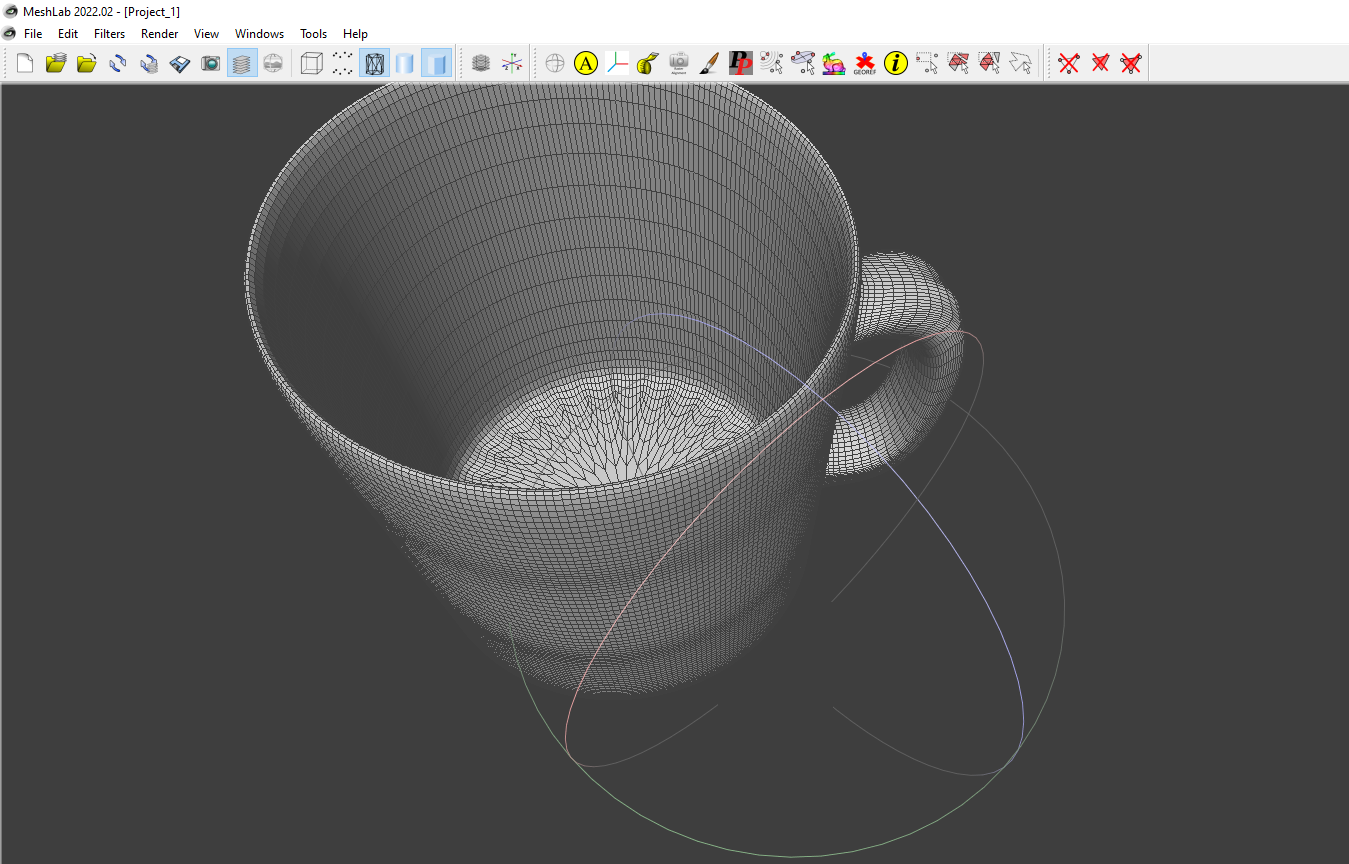
Now, let's meet its practical counterpart: the STL file. STL stands for stereolithography, and it’s basically the universal language of 3D printers. While OBJ is busy painting a masterpiece, STL is focused purely on the geometry of your model. It describes the surface of your object using a collection of tiny triangles (often called a "mesh").
No colors, no textures, just pure, unadulterated shape. Think of it as the incredibly efficient blueprint that a 3D printer can instantly understand. It's what tells the printer exactly where to lay down plastic (or resin, or metal!) to build your object layer by layer.
Why Bother Converting? The Fun-tastic Reasons!
"Okay," you might be thinking, "that's nice, but why can't my printer just understand OBJ?" Ah, my friend, that's where the fun begins! Most 3D printers and their slicing software (the programs that prepare your model for printing) speak fluent STL. Converting your glorious OBJ to a robust STL is like giving your digital dream a clear, actionable instruction manual for the physical world.
- You want to print that intricate character from your favorite video game? Convert to STL!
- Dreaming of holding a miniature replica of your dream house design? Convert to STL!
- Want to create custom-designed parts for a hobby project, or even a unique gift for a friend? You guessed it – convert to STL!
It unlocks a whole new dimension of creativity, allowing you to bridge the gap between your screen and your hands. Imagine holding something you created digitally, now a tangible object. Isn't that just incredibly cool?
The "Magic" Steps: Your Easy Conversion Guide!
Ready to get started? The good news is, converting OBJ to STL is surprisingly straightforward! You don't need to be a coding wizard. There are many fantastic, user-friendly tools out there, from powerful 3D modeling software like Blender (which is free and open-source, by the way!) and MeshLab, to super convenient online converters.
Here’s the basic flow, no matter which tool you choose:
1. Open or Import Your OBJ File: This is your starting point. Simply load your beautiful OBJ model into your chosen software using "File > Open" or "File > Import".

2. Check for Manifoldness (The Watertight Test!): This step is crucial! For successful 3D printing, your STL needs to be "watertight" – meaning it has no holes or gaps. Think of it like a perfectly sealed balloon. Many tools offer a "repair" or "check manifoldness" function. Don't skip this, as it prevents printing errors!
3. Set Your Scale and Units: Ensure your model is the correct size! If your OBJ was designed in meters but you want to print in millimeters, adjust accordingly. Most programs let you specify units (mm, cm, inches) during export. A quick check here saves frustration later!
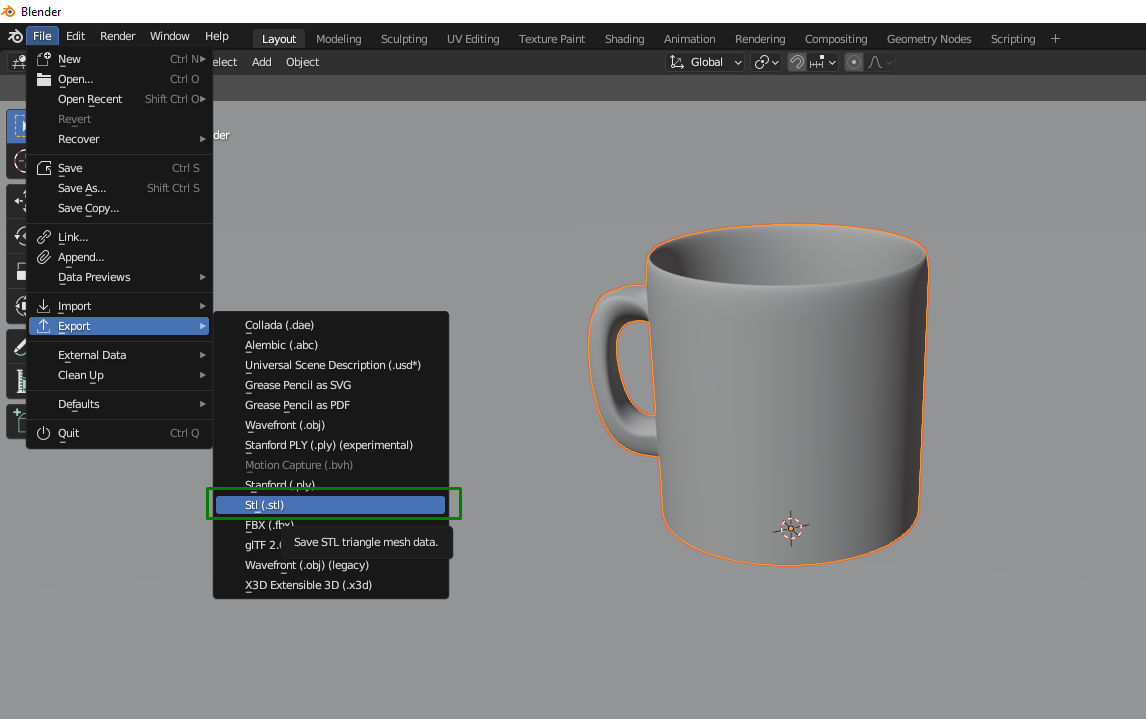
4. Export as STL: This is the grand finale! Look for an "Export" or "Save As" option in your software, and select STL as the file type. You might have options for "binary" or "ASCII" STL – "binary" is usually smaller and faster, so it's a good default. Click save, and voilà! You now have an STL file, ready for your 3D printer's slicing software.
Pro Tips for a Smooth Journey!
Like any adventure, a few pointers can make your journey even smoother:
- Start Simple: Don't try to convert the most complex model on your first go. Begin with a simple shape to get the hang of the process.
- Utilize Online Converters: If you're not ready to download software, websites like Convertio or Online 3D Converter offer quick, browser-based solutions.
- Don't Be Afraid to Experiment: Each piece of software has its quirks. Play around, click buttons, and see what happens! That’s how you learn best.
- Join a Community: The 3D printing community is incredibly supportive! If you get stuck, a quick search or a post in a forum can often get you the help you need.
Your World Awaits!
See? It's not rocket science; it's just a few delightful steps to unlock a world of tangible creativity! Converting OBJ to STL isn't just a technical task; it's a gateway. It's the secret handshake that lets your digital dreams step out of the screen and into your life. Imagine the joy of designing a custom board game piece, a unique piece of jewelry, or even a personalized cookie cutter, and then holding it in your hand.
So, what are you waiting for? Dive in! Grab an OBJ file (there are tons of free ones available online!), find a converter, and take that exciting first step. The world of 3D printing is brimming with possibilities, and knowing how to speak its language is your golden ticket. Go forth, create, and most importantly, have fun bringing your imagination to life! The next amazing thing you hold could be something you converted yourself.