
Ever wish you could just talk to your TV? Tell it what to do without lifting a finger? Good news, future friend! That sci-fi dream? It's totally real. And super easy to set up!
We're diving into connecting your Alexa to your Roku TV. It’s not just cool; it's like giving your living room a tiny, obedient robot butler. Imagine the power! The sheer laziness! It’s less "tech setup" and more "unlocking a secret level of home comfort."
Why Bother? Say Goodbye to the Remote Hunt!
Who hasn't lost the remote? It's a universal battle. That tiny, plastic nemesis loves hiding. But with Alexa and Roku teaming up, that nightmare? Poof! Gone. Forever!
You can literally command your TV from across the room. Picture this: you're comfy, popcorn in hand, movie about to start. Volume's too low. Do you pause, wipe your hands, hunt? Nope! Just say, "Alexa, turn up the volume on the living room TV!" Magic! Instant wizardry. Your friends will be amazed.
It's not just volume. Think launching apps, playing shows, pausing, rewinding, even turning the TV on and off. All with your voice. It feels genuinely futuristic. And delightfully simple. Plus, it just feels good to boss your tech around a little, right?
Okay, I'm In! What Do I Need for This Digital Duet?
Super simple stuff! You likely have it all:
- An Alexa-enabled device (Echo Dot, Echo Show – anything that talks back!).
- A Roku TV or a Roku streaming device.
- Both devices on the same Wi-Fi network. Crucial for their communication!
- The Alexa app on your phone. Even smart devices need a boss, sometimes.
That’s it! No weird cables. No complicated tech talk. Just your gadgets ready for their best friendship.
The Super Simple Steps to Get Alexa and Roku Chatting
Ready to make magic? Grab your phone, get comfy. This is easier than you think.
Step 1: Open the Alexa App and Head to Skills
Launch the Alexa app. Tap "More" (the three lines/hamburger icon, bottom right). Select "Skills & Games."

Step 2: Find the Roku Skill and Unleash Its Power
In "Skills & Games," search "Roku." Find the Roku skill (it has a purple icon). Tap on it.
Step 3: Enable the Skill & Link Accounts
Tap "Enable to Use." Alexa will then ask to link your Roku account. Sign in with your Roku email and password. This tells Alexa which Roku is yours. It must be the right account!
Step 4: Discover Your Devices (Alexa Plays Hide-and-Seek)
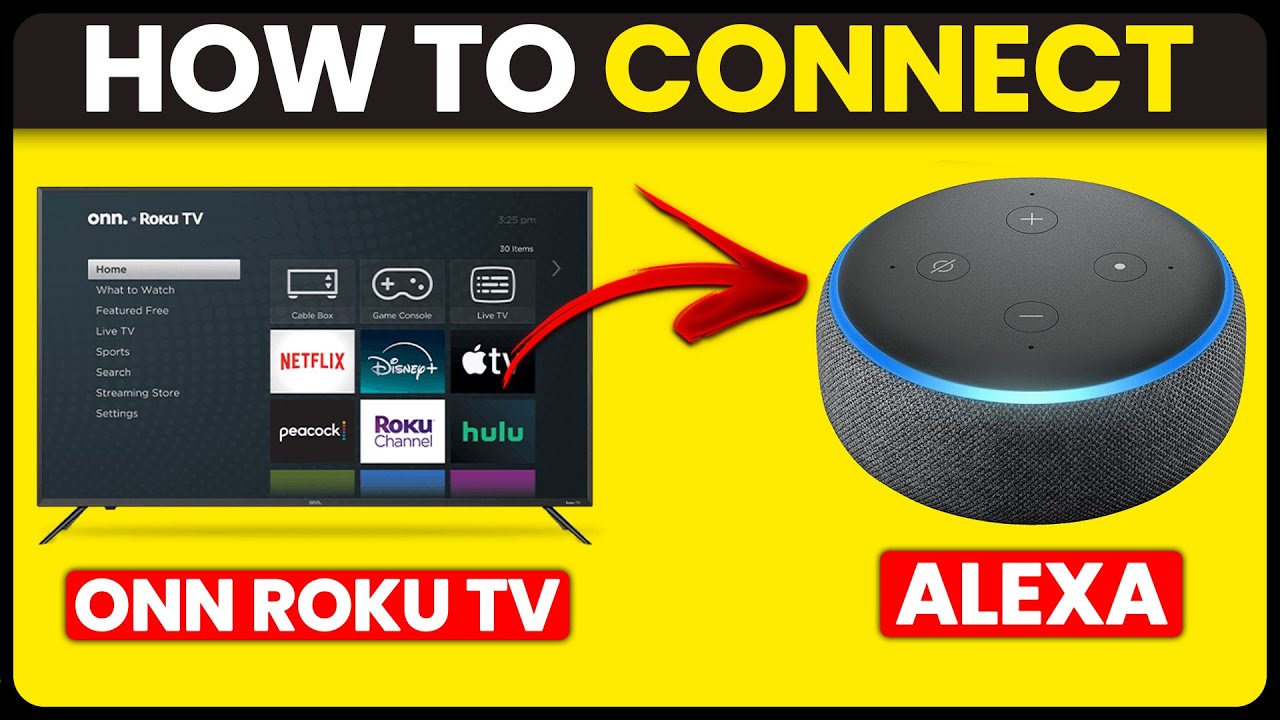
After linking, tap "Discover Devices." Alexa scans your Wi-Fi, searching for your Roku. This might take a minute. Once found, your Roku appears. Give it a clear name like "Living Room TV."
Step 5: (Optional) Assign Your Roku to a Group
Got other smart devices? Put your Roku in a group (e.g., "Living Room"). Then you can just say, "Alexa, turn on the TV," instead of naming it. Small tweak, big convenience!
Now For The Fun Part: What Can You Actually Say?
Alright, voice commander! Alexa and Roku are officially partners. Time for the payoff. Prepare to amaze yourself:
- "Alexa, turn on the TV." (Power!)
- "Alexa, launch Netflix on Roku." (Or Hulu, Disney+, Prime Video – you get it!)
- "Alexa, pause Roku." (Snack break, anyone?)
- "Alexa, resume Roku." (Back to the action!)
- "Alexa, play 'The Office' on Roku." (If your linked service supports it.)
- "Alexa, turn up the volume on Roku." (Or "down," "mute," "unmute" – you're the boss!)
See? It's like a mind-reading remote you can't lose. The possibilities are awesome and satisfying. Living in the future, one voice command at a time!

A Little Hiccup? No Sweat!
Tech can be quirky, like a cat. If things aren't perfect, deep breaths! Try these quick fixes:
- Same Wi-Fi? Seriously, double-check! This is the top reason.
- Correct Roku account? Sometimes we have more than one.
- Disable/re-enable the Roku skill. A quick digital reset often works wonders.
- Restart your Roku. Unplug it for 30 seconds. The classic tech fix!
Most issues are minor. You'll get it sorted!
So there it is! Connecting Alexa to your Roku TV isn't just convenient; it's about a more intuitive, more fun way to enjoy your entertainment. Fewer lost remotes, more seamless viewing, and a little sprinkle of everyday magic. Go ahead, give it a try. Your voice (and your inner couch potato) will thank you!