
Alright, gather 'round, folks, and pull up a virtual chair. Imagine this: You're in a café, the vibe is just right, your coffee is perfect, and you're in the zone, finally cracking that impossible spreadsheet. Then, BAM! That dreaded low battery icon flashes across your screen, followed by the terrifying, soul-crushing blackness. Your regular charger? Oh, it's probably having a delightful vacation in your other bag, or worse, back home, mocking you from afar.
Panic sets in. You frantically eye the wall outlets, maybe try to subtly "borrow" a stranger's charger (don't do that, by the way). But what if I told you there's a secret handshake, a hidden superpower your laptop might possess, that lets you bring it back to life using something you likely have in your pocket right now? Yes, I'm talking about charging your laptop with a USB cable!
Now, before you go plugging your ancient flip phone charger into your top-tier gaming rig, let's get real. This isn't some black magic; it's a wonderfully practical evolution in technology. But like any good superhero origin story, there are a few key ingredients and a couple of hilarious pitfalls to avoid.
The Holy Trinity of USB Laptop Charging (No, Not That USB)
Let's debunk the first myth: You can't just use any USB cable. This isn't a free-for-all. Think of it like trying to fill a swimming pool with an eyedropper. You need the right tools for the job. Here's what you'll need, presented with maximum dramatic effect:
1. The Mighty USB-C Port: Your Laptop's Power Gateway
First and foremost, your laptop needs to have a USB-C port that supports power delivery (PD). This isn't just any old USB port, mind you. Look for the sleek, reversible, oval-shaped one. It's usually smaller than the rectangular USB-A ports you've known and loved since the dawn of time (or at least, the 90s). Not all USB-C ports are created equal, though. Some are just for data, like a chatty friend who never buys a round. For charging, you often see a tiny lightning bolt or a small battery icon next to it. If it's there, congratulations! You've found your golden ticket.
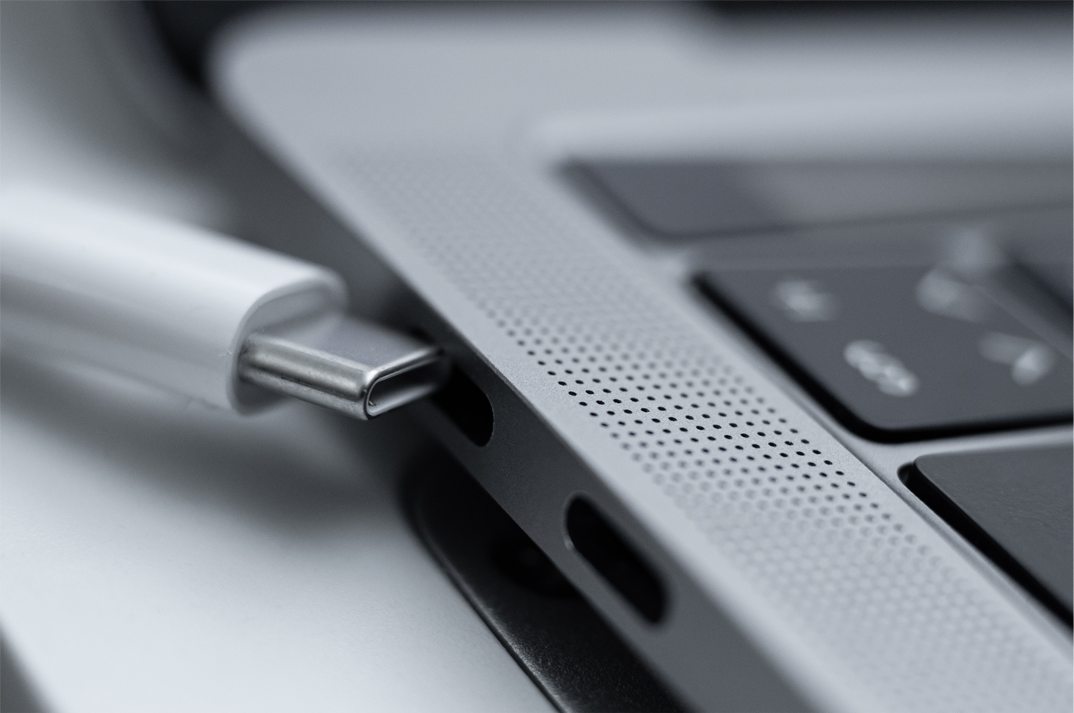
Quick check: If your laptop is a recent model (say, within the last 5-7 years) and sports a USB-C port, there's a very good chance it can charge via USB-C PD. Older laptops? Not so much. Trying to force a USB-C charge into a laptop that doesn't support it is like trying to convince a cat to fetch – admirable effort, but ultimately futile and possibly painful.
2. The Power-Packed USB-C Charger: Not Your Phone's Little Buddy
This is where many people go wrong. "Oh, I'll just use my phone charger!" they exclaim, blissfully unaware of the impending doom (or at least, extremely slow doom). Your phone charger, typically a measly 10-20 watts, is like bringing a squirt gun to a fire-breathing dragon fight when your laptop demands 45W, 60W, or even a monstrous 100W+. It simply won't cut it.
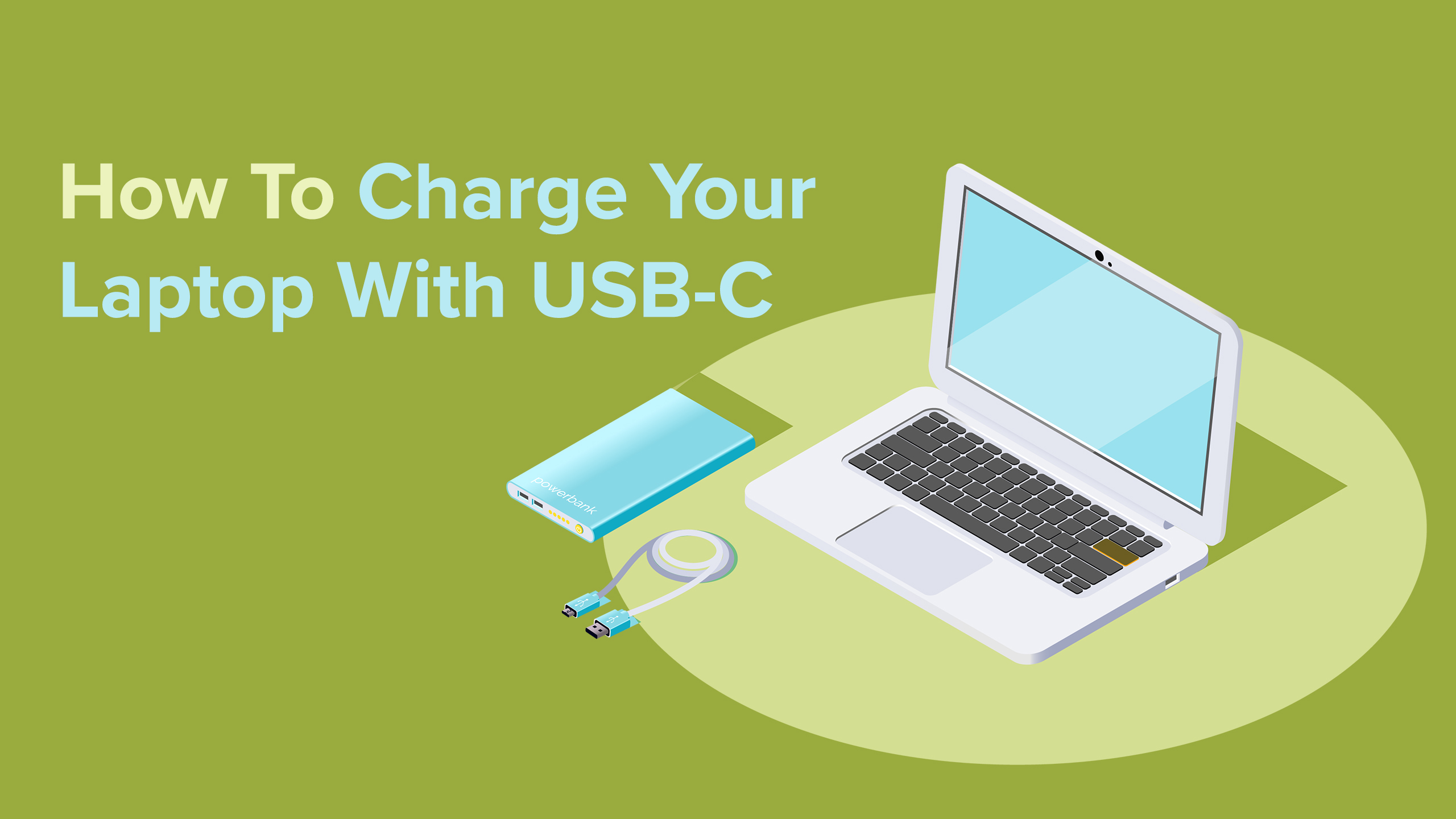
You need a USB-C charger with enough wattage to satisfy your laptop's hunger. Check your original laptop charger – it usually has the wattage printed on it. Then, find a USB-C PD charger that matches or exceeds that number. Many modern multi-port GaN chargers are fantastic for this, offering high wattage in a compact size. Think of it as bringing a proper fire hose instead of a squirt gun. The higher the wattage (within reason and what your laptop can accept), the faster and more efficiently your laptop will charge.
Surprising fact: Even if your laptop needs 65W, a 100W USB-C PD charger is perfectly safe! The laptop and charger will "negotiate" and only draw the power it needs. It's like having a giant buffet; you only eat what you can, not the whole thing (unless you're me at an all-you-can-eat sushi place).
3. The Robust USB-C to USB-C Cable: The Unsung Hero
Last but certainly not least, you need a good quality USB-C to USB-C cable. And no, not that frayed, questionable cable you found wadded up under your couch. We're talking a sturdy, well-constructed cable designed to handle high power delivery. Cheaper cables might work for low-power devices, but for a laptop, they can be slow, inefficient, or even potentially unsafe if they're not rated for the wattage you're pushing through them.

Look for cables specifically marked with "PD" or a wattage rating (e.g., "100W"). These cables have the necessary internal wiring to safely transmit higher power levels. It's the sturdy bridge that allows the power river to flow freely to your thirsty laptop.
The "How-To" (It's Shockingly Simple)
Once you have your trinity of power, the actual charging process is, dare I say, anticlimactic in its simplicity:
- Plug the high-wattage USB-C charger into a wall outlet. (Obvious, I know, but sometimes the simplest steps are overlooked in moments of tech-induced panic.)
- Connect one end of your robust USB-C to USB-C cable into the charger.
- Connect the other end of the cable into your laptop's power-delivery-enabled USB-C port.
Voilà! You should see your laptop's charging indicator light up, beaming at you like a proud parent. If it doesn't, double-check all your connections and ensure your charger and cable meet the wattage requirements. Remember, sometimes the laptop needs to be off or in sleep mode to draw enough power if the charger is just barely meeting its minimum requirement.
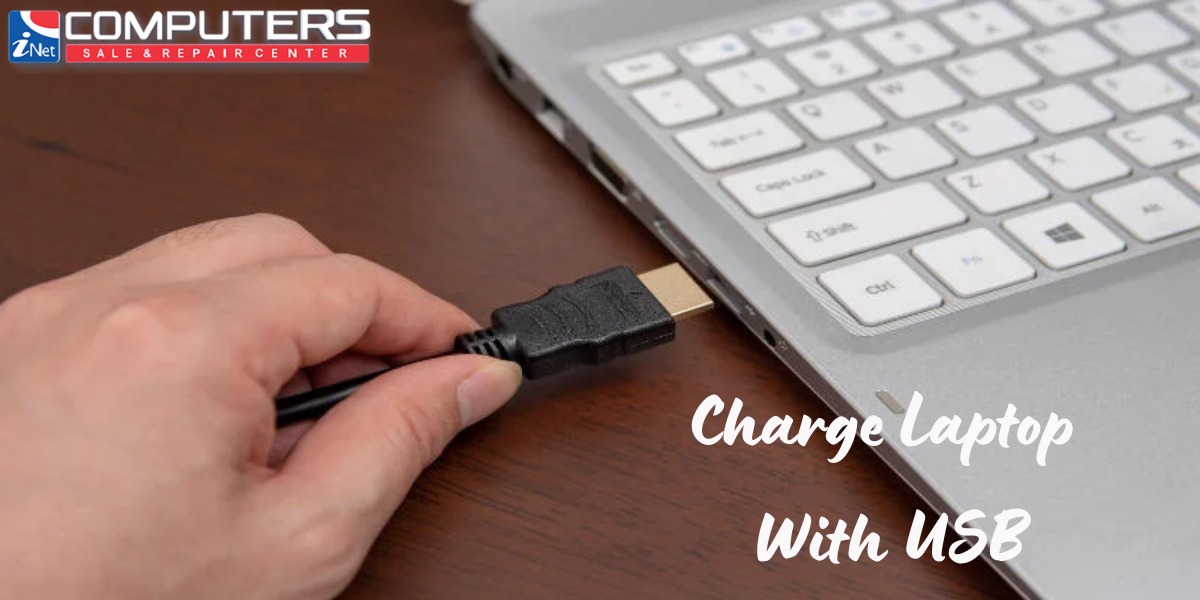
Why Bother? The Glorious Benefits!
Beyond the sheer satisfaction of bringing your laptop back from the brink of digital death, USB-C charging offers some delightful perks:
- Travel Light: One charger for your laptop, tablet, phone, and even some headphones? Yes, please! Your travel bag will thank you.
- Universal Love: USB-C is becoming the universal standard. This means less frantic searching for proprietary chargers and more plug-and-play joy.
- Emergency Hero: Stuck without your main charger? A friend's powerful USB-C phone charger (with the right cable!) might just save your day.
The Takeaway: Power in Your Pocket (Literally)
So, there you have it. Charging your laptop with a USB isn't a mythical feat reserved for tech wizards. With the right USB-C port, a powerful enough USB-C PD charger, and a quality USB-C cable, you can liberate yourself from bulky, proprietary power bricks. It's a game-changer, a convenience revolution, and honestly, a pretty cool party trick.
Next time your laptop battery starts whimpering, don't despair. Just remember the holy trinity, arm yourself with the right gear, and unleash the power of USB-C. Your productivity (and sanity) will thank you. Now, if you'll excuse me, I think my coffee just went cold, and my other laptop is about to die...