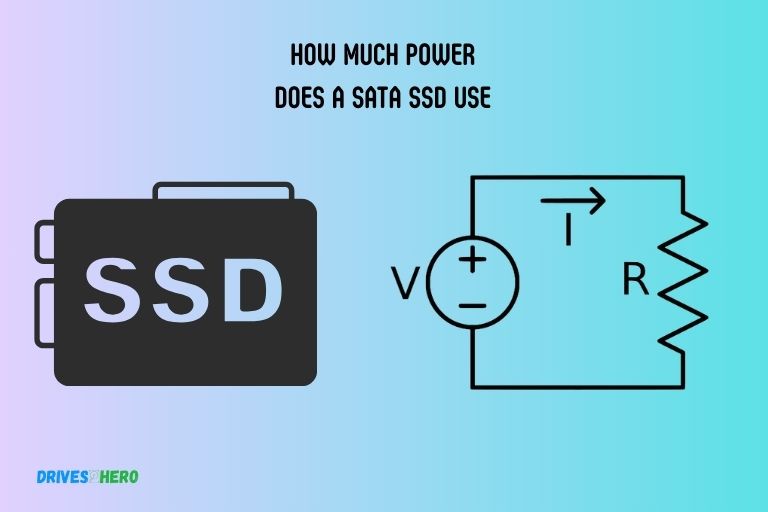
Hey there, tech buddy! Grab a mug, settle in. We’re about to dive into something you might not even think about, but it’s chugging away (or silently zipping!) inside your computer right now: hard drive power consumption. Ever stopped to wonder how much juice those things actually sip?
I mean, we worry about our monstrous graphics cards or our power-hungry CPUs, right? But the humble hard drive? It’s often the unsung hero, just doing its job. But heroes need snacks, and these guys are no different!
The Old Spinners: HDDs
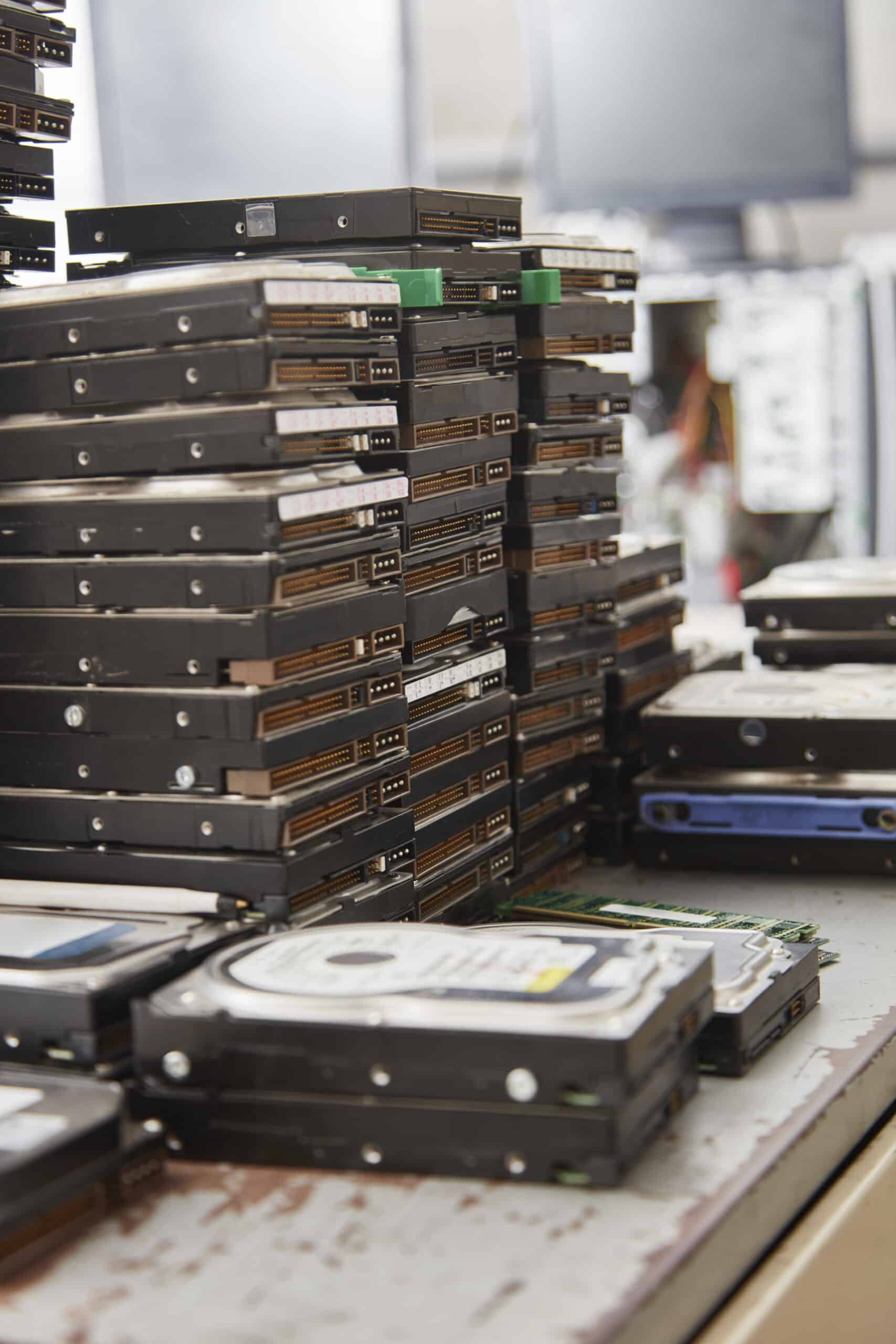
Let's start with the classic, the good ol' Hard Disk Drive (HDD). Think of an HDD like a tiny, high-speed record player living inside your PC. It’s got these shiny platters – like mini CDs – that are constantly spinning. And when I say constantly, I mean really fast, often at 5,400 or 7,200 revolutions per minute (RPM). Some enterprise ones even hit 10,000 or 15,000 RPM! That's a lot of rotational energy, my friend.
So, what does all that spinning mean for power? Well, it takes energy to get those platters up to speed, and then to keep them going. Plus, there are little read/write heads that zip back and forth over the platters, grabbing your data. That's another motor, more movement, more power! It’s not just sitting there, chilling. It’s actively working!
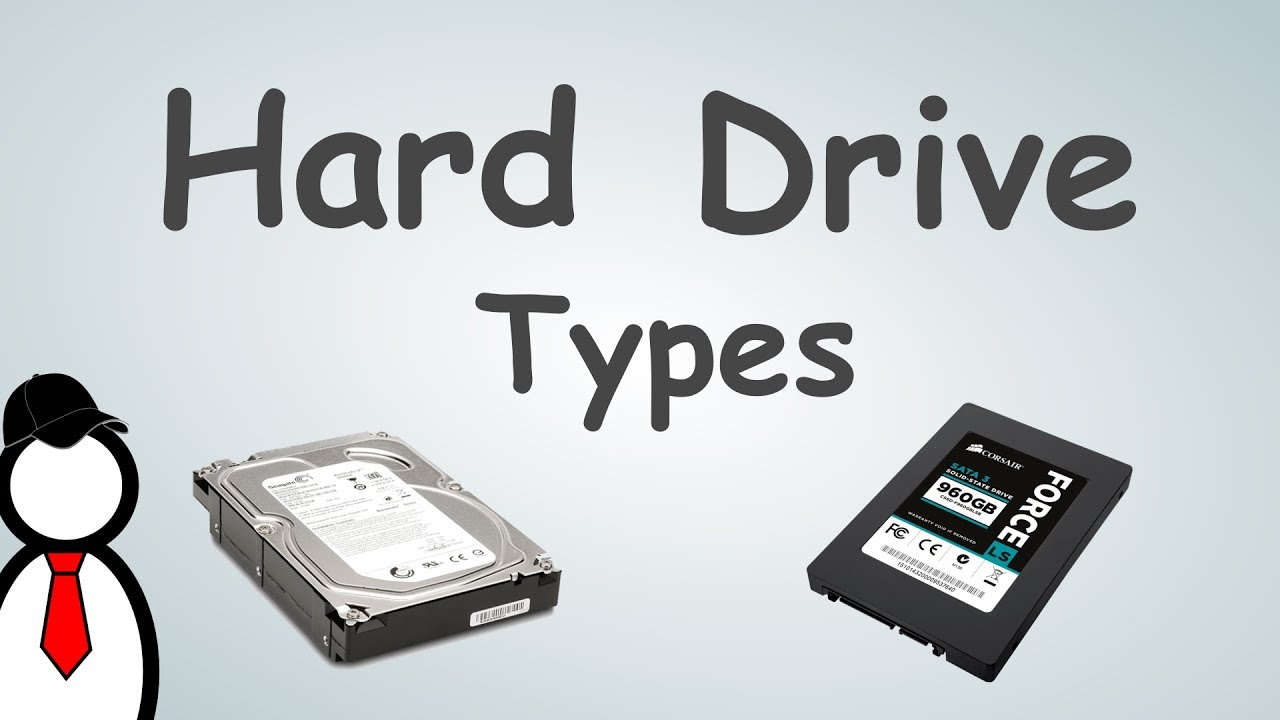
On average, a desktop HDD might pull anywhere from 6 to 10 watts when it's actively reading or writing data. When it’s just idling – spinning but not doing much – it might drop down to 4 to 7 watts. Still, it’s not nothing, right? It’s a tiny power plant in miniature!
The New Kids on the Block: SSDs
Now, let's talk about the cool kids, the Solid State Drives (SSDs). These are the smooth operators, the silent ninjas of data storage. Why? Because they have no moving parts. Zip, zero, nada! Instead of spinning platters, they use flash memory chips, kind of like a giant, super-fast USB stick.
This lack of moving parts is a game-changer for power consumption. No motors to spin, no heads to move. Just electronic magic! Because of this, SSDs are significantly more power-efficient than their HDD cousins.

How much more efficient? We're talking ballpark figures of around 2 to 4 watts during active use, and often less than 1 watt when idle. Some even drop to fractions of a watt in low-power states. That’s a pretty big difference, isn't it? It’s like comparing a gas-guzzling muscle car to a sleek electric scooter!
Why Does Any of This Matter?
So, you might be thinking, "A few watts here, a few watts there, who cares?" Good question! It actually matters more than you’d think, especially in a few key areas:
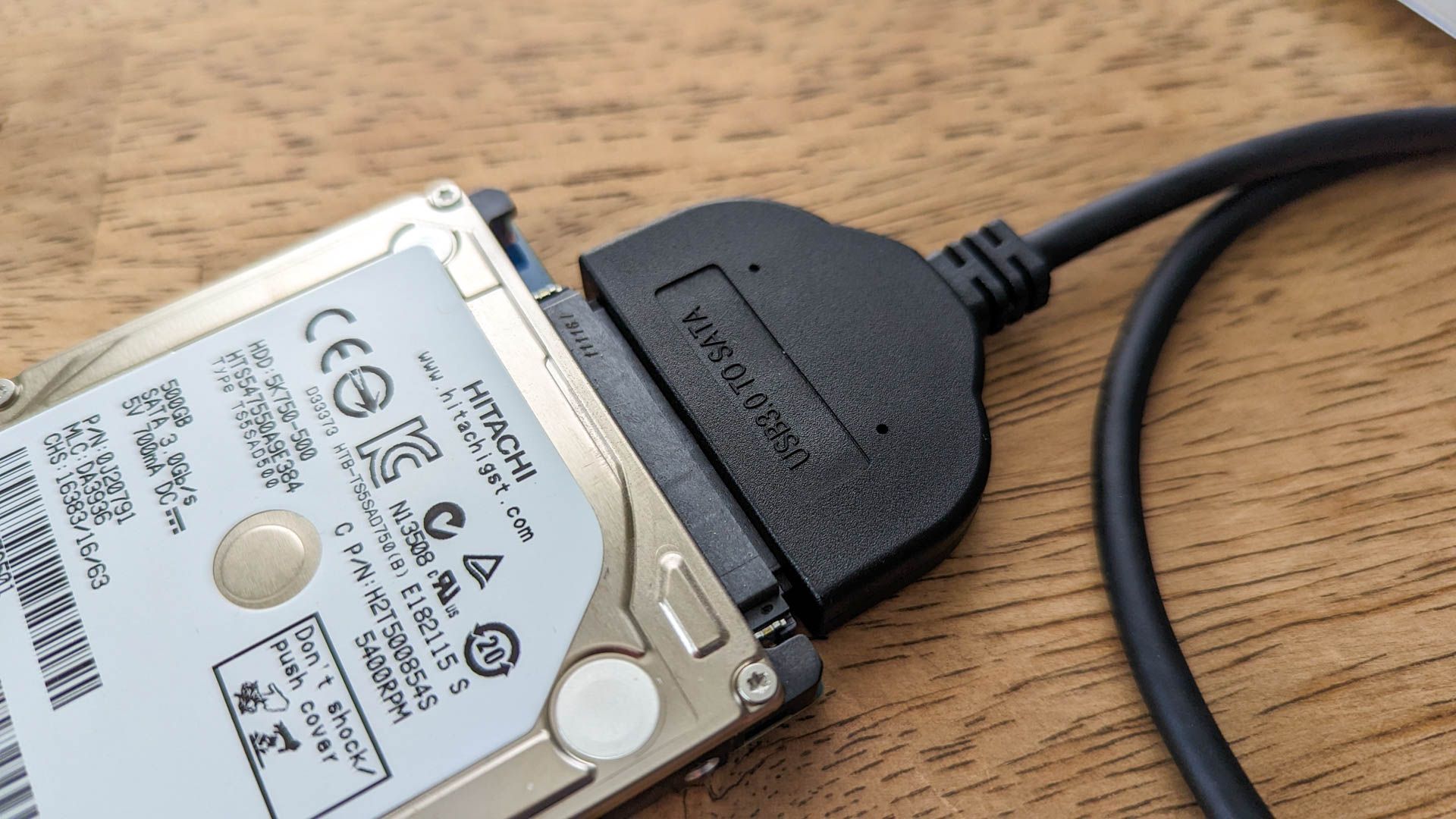
Firstly, your electricity bill. While a single hard drive isn't going to break the bank, if you have a server full of HDDs, those watts start to add up. Every watt, 24/7, eventually makes its way onto that bill. It’s a death by a thousand papercuts, but with electricity!
Secondly, heat. Power consumed usually translates to heat generated. HDDs, with all that spinning, tend to run hotter than SSDs. More heat means your computer's fans have to work harder, which means more noise and potentially less longevity for components if cooling isn't adequate. It’s a cascade effect!
And finally, for our laptop-loving friends, battery life! This is where SSDs really shine. Less power consumption means your laptop battery lasts longer. It’s the difference between getting that last episode watched on your flight or staring blankly at a dead screen. Huge win for portability!
The Takeaway?
Don't panic about your hard drives secretly draining your town's power grid. They’re not that power-hungry individually. But it's fascinating to see the difference between the older mechanical tech and the newer solid-state marvels, right?
The move towards SSDs isn't just about speed; it's also a big leap forward in energy efficiency. So, next time you're upgrading or building a PC, remember that choosing an SSD isn't just about blazing fast load times; it’s also about a cooler, quieter, and slightly greener computing experience. Pretty neat for a little box of data, huh?