
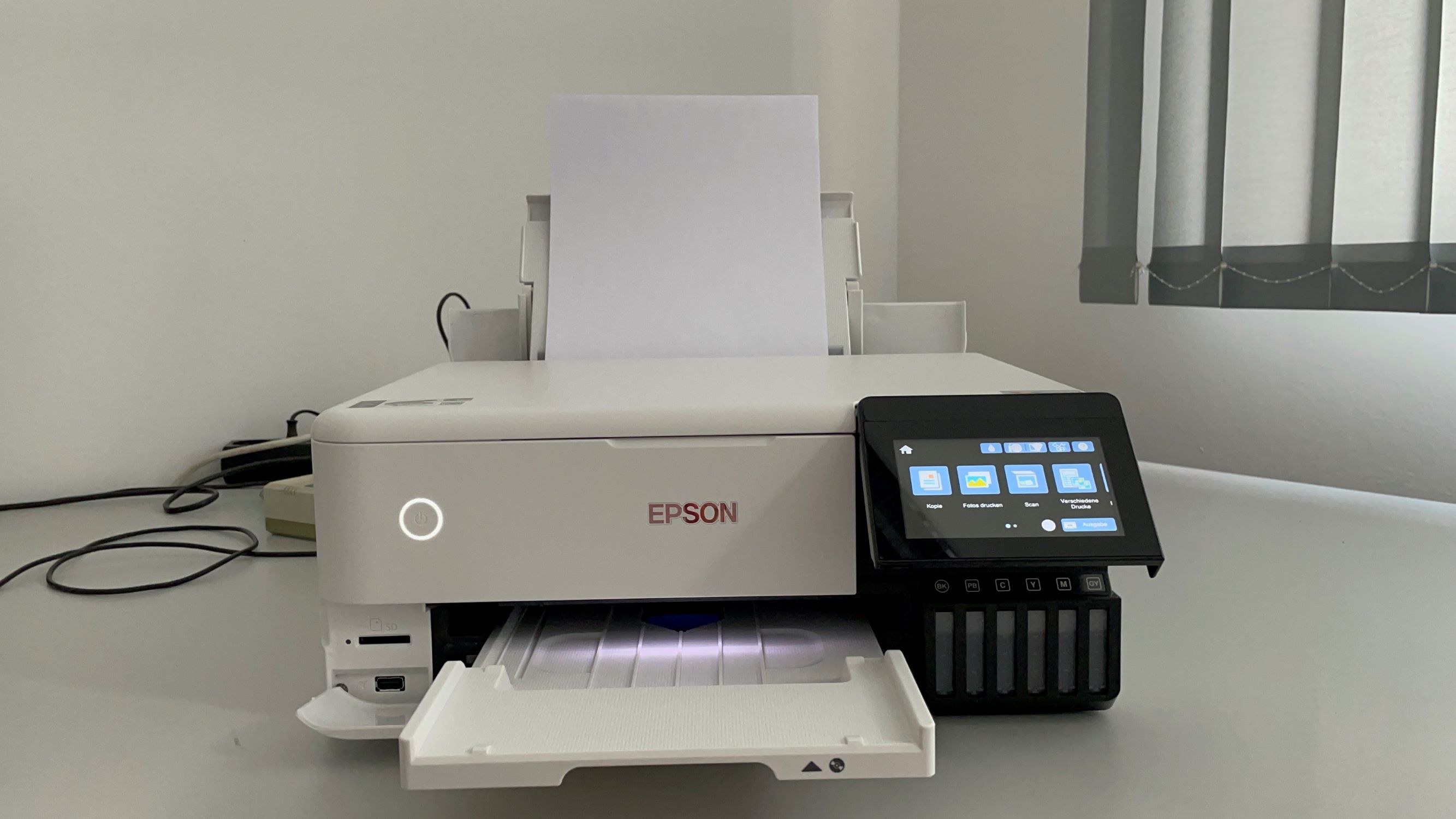
Okay, confession time. I once spent an embarrassingly long time staring at my smart home app, trying to figure out which mystery device was still drawing a few watts of power even though everything appeared to be off. My TV? Nope, unplugged it. My gaming console? Off at the wall. The kettle? Empty. It was like a tiny electrical ghost haunting my grid, constantly whispering, "I'm still here... and I'm costing you pennies!" After much sleuthing, the culprit turned out to be... my printer. Yes, that unassuming box in the corner, minding its own business, was quietly sipping power. And that got me thinking: how many watts does a printer actually use?
It's one of those questions you probably don't ponder much, right? Until you get a slightly higher-than-expected electricity bill, or you're trying to figure out if your ancient UPS can handle a sudden print job. The short answer, my friend, is a big, fat, "it depends!" Yeah, I know, super helpful. But trust me, once you dig into it, it's actually pretty fascinating. Or maybe I just spend too much time thinking about power consumption.
The Great Power Divide: Inkjet vs. Laser
First things first, let's talk types. There are two main players in the home and small office game:
Inkjet Printers: These are your usual suspects for color photos and general documents. They work by squirting tiny droplets of ink onto the page. Generally, they're the
Laser Printers: These bad boys use toner (a powder) and a heated fuser to literally melt and press the toner onto the page. Think of them as tiny ovens. And what do ovens do? They get hot. And what does getting hot require? You guessed it: a lot of power. This is where things get interesting.
Printing vs. Resting: The Active and Idle Modes
A printer's power usage isn't constant. It's like a person: sometimes it's running a marathon, sometimes it's just chilling on the sofa.
1. While Printing (Active Mode):
-
Inkjet: When an inkjet printer is actively printing, its motors are whirring, the print head is zipping back and forth, and it's doing its thing. You're typically looking at something in the range of 10 to 25 watts. For a really high-end photo printer, it might peak closer to 50 watts, but that's still pretty modest in the grand scheme of things.
-
Laser: Ah, the laser printer. This is where the fireworks happen. When a laser printer is warming up and printing, especially the fuser element, it can spike dramatically. We're talking anywhere from 300 to 600 watts, and sometimes even over 1000 watts for a brief moment as it heats up! It's like a mini hairdryer kicking on for a few seconds. Wild, right?
2. Standby/Idle Mode:
This is the mode where your printer is just sitting there, powered on, connected to your network, waiting for a command. It's not doing much, but it's not truly off either.
-
Inkjet: In standby, an inkjet printer typically sips very little power, often in the range of 1 to 5 watts. It needs to keep its network card alive (if it's Wi-Fi enabled), remember its settings, and be ready to spring into action.
-
Laser: A laser printer in standby generally uses a bit more than an inkjet, often around 5 to 20 watts. It might be keeping some internal components warm or its network connection active. Still, a far cry from its printing peak!
3. Sleep Mode:
Most modern printers have a "sleep mode" which is even more power-efficient than standby. They typically drop down to less than 1 watt, or just a few watts. This is their equivalent of napping – barely awake, but can be roused quickly. Look for this if you're trying to be extra green!
4. "Off" Mode:
Now, this is where it gets tricky. Many devices, including printers, have a "soft off" where they're still drawing a tiny bit of power (often called "vampire drain" or "phantom load"). To truly stop the power draw, you often need to
Why Does This Matter to You?
Okay, so it uses X watts. Big deal, right? Well, a few reasons:
-
Your Electricity Bill: While an idle printer isn't going to break the bank, those few watts add up over a month, especially if you have multiple devices doing the same. It's the cumulative effect, my friend!
How Many Watts Does A Printer Use | Storables -
Environmental Impact: Less power usage means a smaller carbon footprint. Every little bit helps the planet, you know?
-
UPS Sizing: If you've got a fancy Uninterruptible Power Supply (UPS) to protect your electronics, knowing the peak wattage of your laser printer is crucial. You don't want it to suddenly shut down everything when that fuser kicks in!
The Takeaway for the Curious Soul
So, next time you're wondering about your printer's hidden life, remember this: inkjets are generally sip-sip, while lasers are guzzle-guzzle during printing, but then settle down nicely. If you rarely print, an inkjet is likely the most power-efficient choice. If you print reams of documents, a laser is faster and more cost-effective per page, but just be aware of its brief power spikes.
The best advice? If you're really concerned, look for an Energy Star rated printer. These are designed to be more efficient. And if you're not using it for an extended period, consider truly powering it down or even unplugging it. Your wallet (and the planet) might just thank you for it!
Now, if you'll excuse me, I'm off to check what else is quietly sucking power in my house. The ghost-hunting never truly ends!