Ever gazed at a cool 3D printed object – maybe a custom phone stand, a unique board game piece, or even a fancy plant pot – and wondered, "How long did that actually take to make?" It's a fantastic question, and one that pretty much every new 3D printing enthusiast asks. There's a certain magic to watching your digital ideas materialize into a physical object, layer by layer. It's like a mini manufacturing plant right on your desk, and understanding the time it takes is key to unlocking its full potential and managing your excitement!
Knowing the duration of a 3D print isn't just trivia; it's genuinely useful for various folks. For beginners, it's about setting realistic expectations. You don't want to start an overnight project only to realize it'll take three days! Starting with quick prints helps build confidence. Families diving into the world of 3D printing can use this knowledge to plan fun projects, like printing toys or custom cookie cutters, around school schedules or weekend activities. Imagine the joy of making a personalized gift, knowing exactly when it'll be ready! And for the more experienced hobbyists, understanding print times is crucial for tackling larger, multi-part projects, managing material usage, and optimizing settings to balance speed with print quality for that perfect finish.
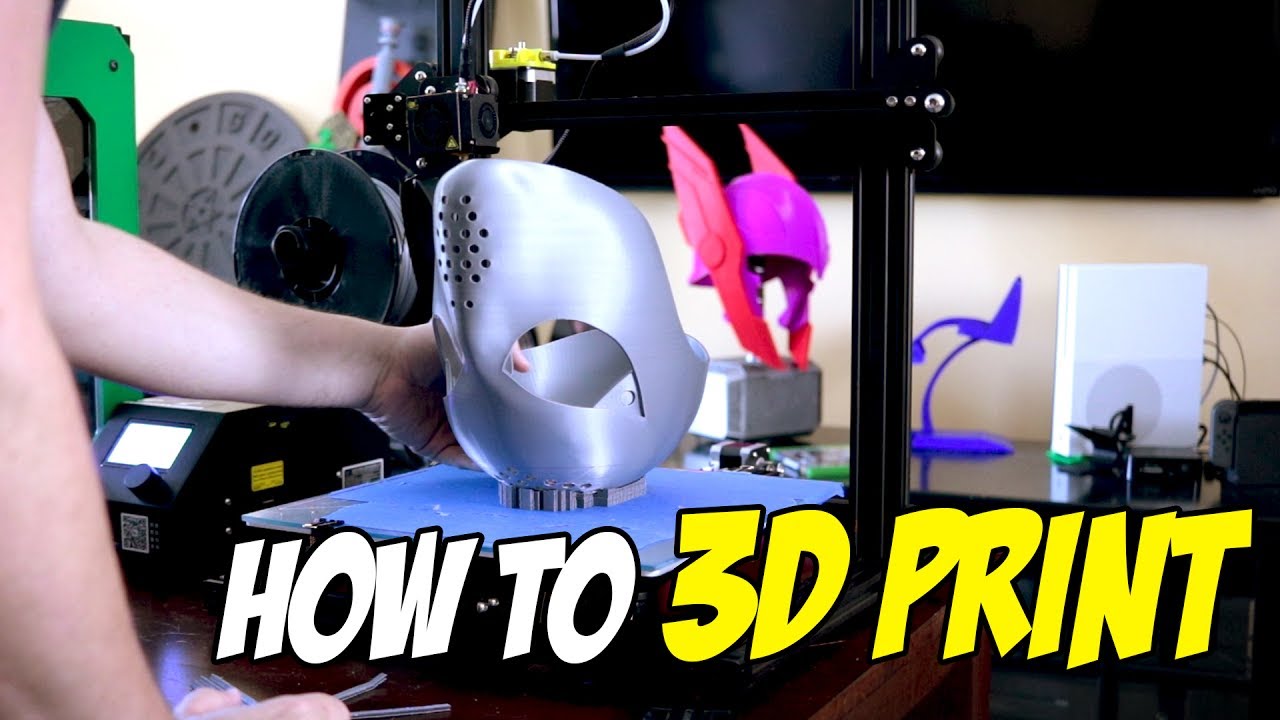
So, what actually dictates how long a print takes? Think of it like baking a cake – different recipes take different times. A tiny, simple object, like a basic keyfob or a small chess pawn, might only take 30 minutes to a couple of hours. These are great for quick wins! Move up to something a bit bigger, like a functional phone stand, a small vase, or a detailed mini-figure, and you're looking at anywhere from 4 to 12 hours. These often become overnight projects. Then there are the ambitious prints – complex cosplay props, intricate organizational inserts, or large decorative pieces. These can easily stretch into 24 hours, multiple days, or even longer, especially if you're aiming for very high detail or a large scale. Factors like the object's size, its complexity (how much infill it needs), the chosen layer height (thinner layers mean more detail but longer prints), and even the print speed settings all play a big role.
Ready to jump in? Here are a few super simple tips to get you started. First, start small. Seriously! Your very first prints should be quick and easy to build your confidence and troubleshoot any initial hiccups. Second, always check your estimated print time in your slicing software (that's the program that prepares your 3D model for the printer) before you hit print. It'll give you a good heads-up. Third, for longer prints, try to plan them overnight or when you're home and can keep an eye on things, especially for the first few layers. And finally, don't be afraid to experiment with settings like layer height – a slightly thicker layer can dramatically reduce print time for less critical objects, saving you hours!
Ultimately, the time it takes for a 3D print to finish is just part of the journey. It's a moment of anticipation, a chance to learn, and eventually, the satisfying reveal of your creation. The wait only makes the end result feel even more rewarding, transforming digital dreams into tangible reality, one layer at a time. Happy printing!