Ever found yourself gazing at a 3D printer in action, marveling as a digital design materializes into a tangible object right before your eyes? It’s pure magic, isn't it? But behind every successful print lies a crucial, often overlooked hero: the file type. Think of it like a recipe for a delicious cake – you wouldn't just give a baker a picture of a cake and expect perfection, right? You need the ingredients, the measurements, and the steps. Similarly, for your 3D printer to create that amazing fidget toy or custom gadget, it needs the right kind of digital blueprint. Getting curious about these file types is actually pretty fun, because it helps you understand the DNA of your prints and avoid those pesky printing fails!
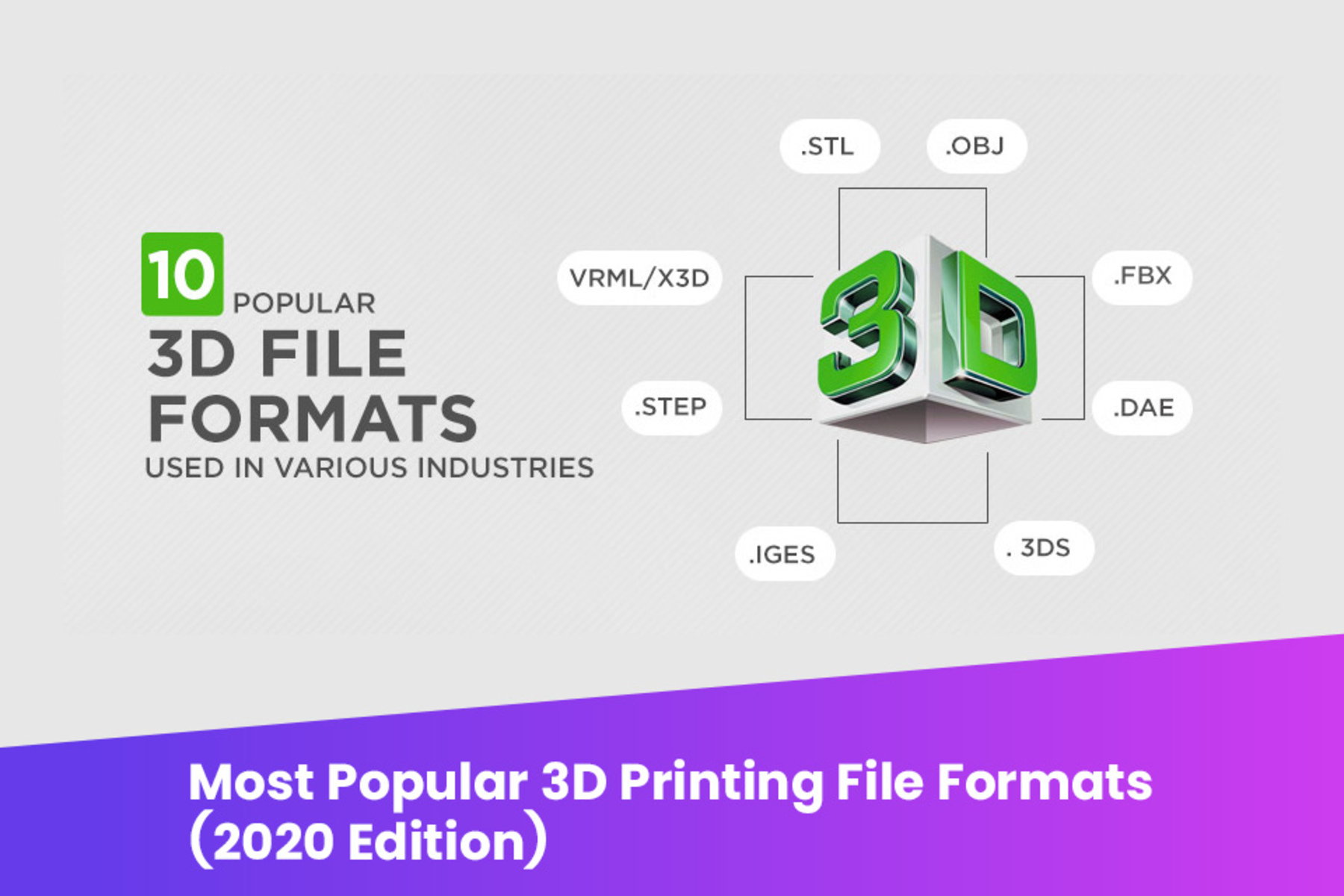
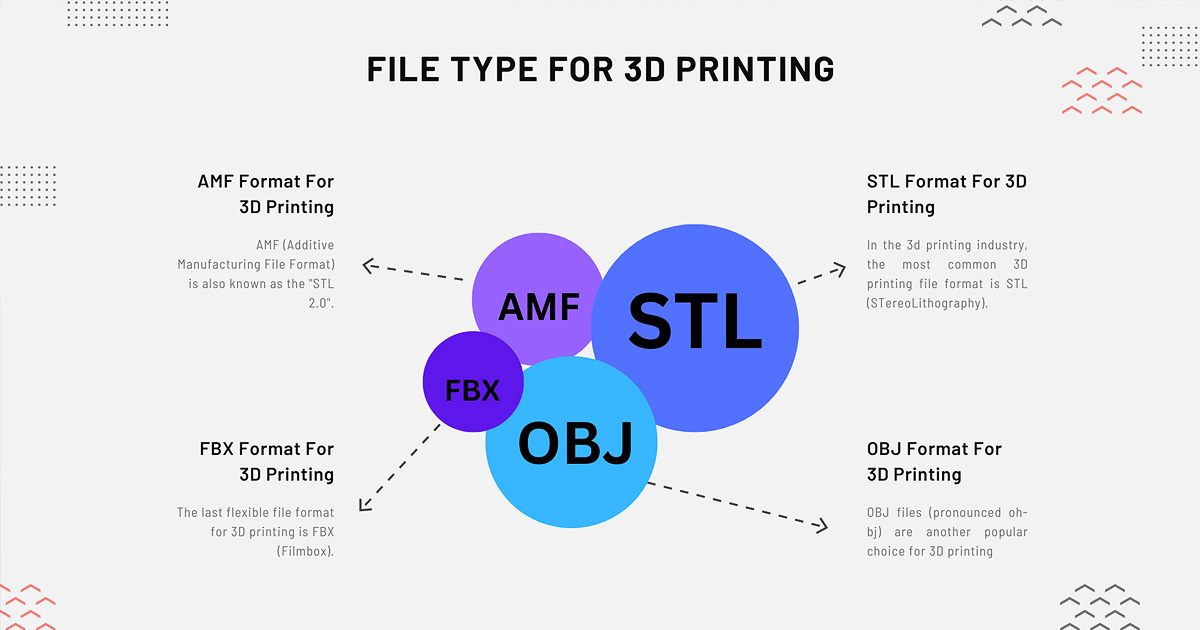
So, what's the big deal with different file types? Well, they're how your computer communicates with your 3D printer. The main purpose is to precisely define the object's geometry, essentially telling the printer where to lay down plastic (or resin). The biggest benefit of understanding them is ensuring your print comes out exactly as intended. The most common kid on the block is the STL (STereoLithography) file. It's been around forever and is practically the universal language of 3D printing. STL files represent the surface of a 3D model using a mesh of tiny triangles. While super robust and widely supported, they don’t carry information like color or material properties.
But the world of 3D printing is evolving! You might also bump into OBJ files, which are similar to STL but can store color and texture data – great if you're printing models for rendering or more visually complex projects. And then there's the exciting newcomer: 3MF (3D Manufacturing Format). This one is a game-changer because it’s like a super-package deal. A single 3MF file can contain the model's geometry, colors, textures, materials, and even information about the printer settings! This means less room for error and a more consistent, high-fidelity print, especially as printers get more sophisticated with multi-color or multi-material capabilities.
These file types are vital across various applications. In education, students use STL files to print prototypes for science experiments, intricate anatomical models for biology, or even architectural scale models, turning abstract ideas into tangible learning tools. Imagine designing a new bridge in CAD software and then printing an STL model to test its structure! In daily life, the applications are endless: printing a custom phone stand, a replacement part for a broken appliance (say, a specific gear for a toy), or unique artistic sculptures. If you're designing a multi-colored coaster or a model with specific material properties, a 3MF file would be your go-to for ensuring all those details transfer perfectly from your design software to the printer.
Ready to dive in? Here are some simple ways to explore. Start by downloading some free STL files from popular repositories like Thingiverse or MyMiniFactory – you'll find everything from cookie cutters to cosplay props. Your 3D printer's "slicer" software (like PrusaSlicer or Cura) will effortlessly open these. If you're feeling creative, try simple online CAD tools like Tinkercad to design your own object and export it as an STL. As you get more adventurous, look for models offered in OBJ or 3MF format, especially if you have a printer that supports multi-color or material printing. Pay attention to how your slicer handles these different files – you’ll quickly see the benefits of the more comprehensive formats. Happy printing and happy exploring!